%20AskNicely.png)
Online reviews have a powerful influence on consumer behavior. In fact, 77% of consumers use at least two review platforms when researching businesses. Whether it's Google, Yelp, Trustpilot, or social media channels, customers are leaving feedback across a variety of platforms, and these reviews are having a big impact on purchasing decisions.
Manually managing or requesting reviews across multiple sites can be overwhelming, time-consuming, and lead to inaccurate reviews. It becomes increasingly difficult to scale this process as your business grows. So that’s where customer review management software comes in. These solutions centralize the review process, helping service brands manage their online reputation more authentically and effectively, providing actionable insights to improve customer experience and drive growth.
With that, let’s take a look at the 10 best customer review or reputation management software tools in 2026. We'll explore the top solutions available, their features, pricing, and the benefits they bring to businesses seeking to leverage customer feedback for success.
Customer review management software is a tool that helps business leaders efficiently manage, analyze, and respond to customer reviews across platforms like Google, Yelp, Trustpilot, and social media. These tools streamline the process of monitoring online feedback, helping to build trust with customers, improve satisfaction, and enhance their online reputation.
Reviews play a critical role in shaping customer perception. It’s important to actively engage with reviews in order to demonstrate your commitment to customer service and transparency. Ignoring reviews (especially negative reviews) can result in brand distrust, loss of credibility, and ultimately, revenue decline.
Customer review management software aggregates reviews into a single, centralized dashboard, making it easy for businesses to track customer feedback from multiple sources. They also provide notifications when new reviews are posted, allowing for timely responses. With built-in analytics, review management software allows you to identify trends in customer sentiment and pinpoint areas for improvement, helping refine your products, services, and experience.
Most platforms compete on feature checklists. But the teams that improve customer experience at scale don't just collect reviews; they close the loop. The five criteria below reflect what that distinction looks like in practice.
Aggregating reviews from Google, Trustpilot, and Facebook into a single dashboard is table stakes. The question is what happens next. Does the software route negative feedback to the right person before a customer churns? Does it trigger a follow-up action — a service recovery call, a coupon, a manager alert — without manual intervention?
Vendors who lead with dashboards are solving a monitoring problem. You need a platform solving a retention problem. Evaluate by asking: what happens within 24 hours of a 1-star review?
What to probe: Does the platform support automated escalation rules by sentiment threshold or keyword? Can frontline staff receive and act on alerts?
A 48-hour response window is acceptable in B2B SaaS. In hospitality or retail, it signals you don't care. Response time expectations vary by three to five times across industries, and the right platform should be configurable to match yours, not a generic default.
Look for SLA enforcement that's built into the workflow layer: escalation timers, automated acknowledgements while a human drafts a reply, and reporting that surfaces response-time trends over weeks, not just snapshots.
Volume alone doesn't improve your rating. Timing and context are what convert an interaction into an honest, positive review. Generic post-purchase emails asking for feedback often arrive too early (before value is felt) or too late (once the emotional window has passed).
The right automation triggers on behavioural signals ( a completed delivery, a resolved support ticket, a service appointment marked done) not a calendar event. It also suppresses requests when CSAT data already indicates dissatisfaction, avoiding the awkward ask to a customer who just complained.
What to probe: Can request triggers be set based on CRM events, not just time delays? Can the platform suppress outreach to contacts flagged as unhappy by other signals?
Most review management tools are built for marketing managers reviewing weekly reports. But the people with the most power to act on feedback are often the ones who never see a dashboard; the barista, the field technician, the customer service rep on the floor.
Frontline activation means delivering individualised, actionable feedback to the employee level, not aggregated scores to a regional manager. It means a team member learns that a customer mentioned their name positively, or that a specific service step is generating complaints, within the same shift. This changes behaviour far more reliably than quarterly review sessions.
What to probe: Does the platform support location- or team-level feedback routing? Can individual employees receive their own performance feedback without manager mediation?
CRM and helpdesk integrations are standard. But the value of an integration is not that data syncs — it's that it triggers a workflow. A review with a score below 6 should create a ticket in your support platform automatically. A customer who gives a 10 should enter a referral sequence in your marketing tool.
Evaluate integrations by whether they support bidirectional, event-driven automation — not just one-way data pulls on a schedule. The difference is whether your CRM knows about feedback in minutes or days.
What to probe: Which integrations are native vs. Zapier-dependent? Can feedback events trigger workflows in your CRM in real time? Is there a documented API for custom build-outs?
How to use this framework: Weight criteria 01 and 02 most heavily, they reflect operational realities that are expensive to work around if the platform doesn't support them natively. Criteria 03–05 are high-leverage but more commonly found across vendors. Run a structured demo using the "what to probe" questions above to stress-test vendor claims against your real workflows.
To ensure this list is practical, we evaluated each platform against a consistent set of criteria rather than feature marketing claims or vendor positioning. The goal was to understand how each tool performs in real-world customer review and feedback environments, particularly for service-led and multi-location businesses.
We assessed platforms across five key dimensions: feedback loop closure (how effectively they turn reviews into action), operational fit across industries, ability to scale review collection intelligently (e.g using AI), frontline usability), and the depth of integrations that enable real-time workflows.
Each tool was then positioned based on its strongest use case, whether that’s enterprise reputation management, SaaS review generation, social listening, or full customer experience management. Importantly, ranking does not imply a one-size-fits-all “best” tool; instead, it reflects how well each platform fits specific business needs and maturity levels.
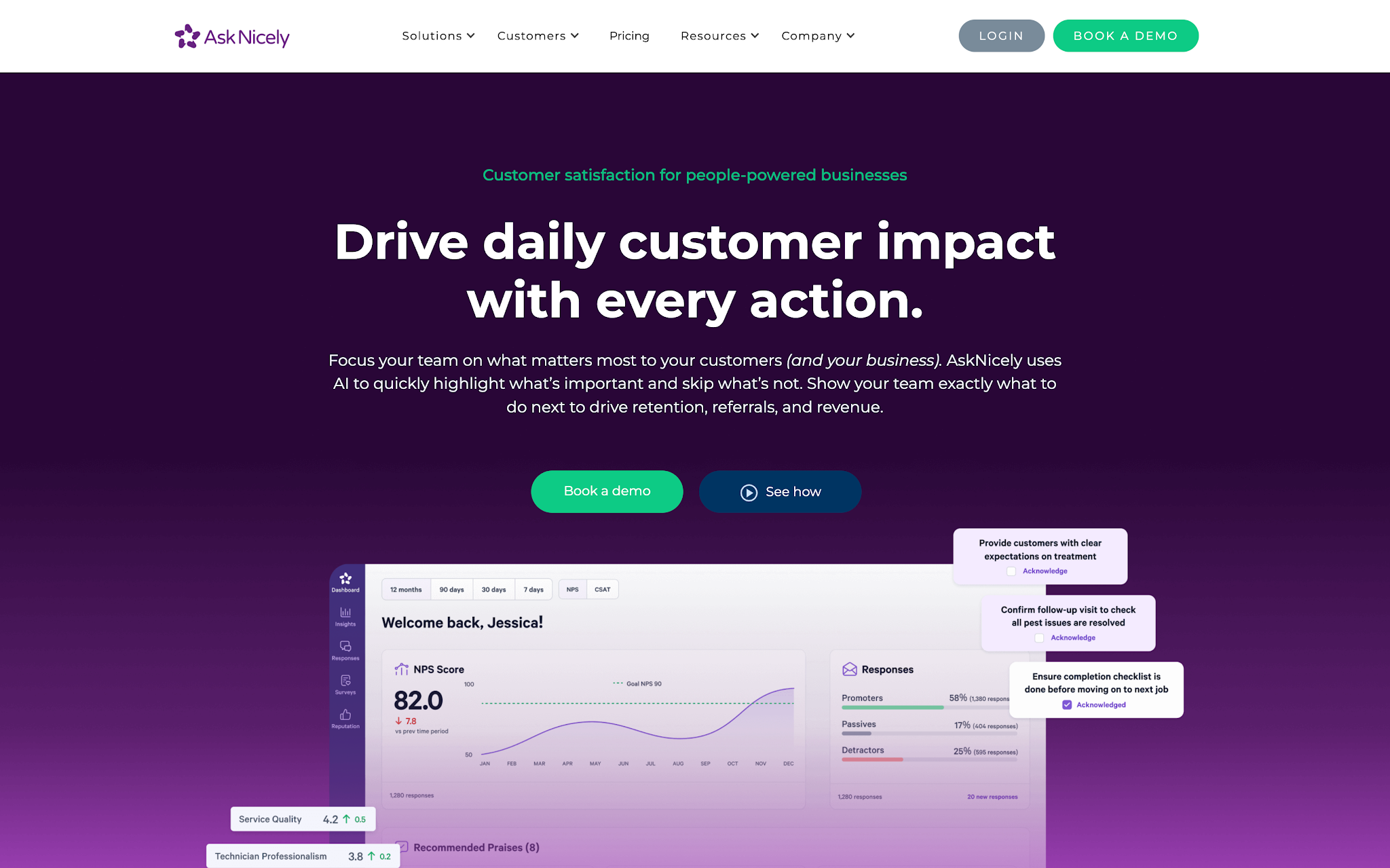
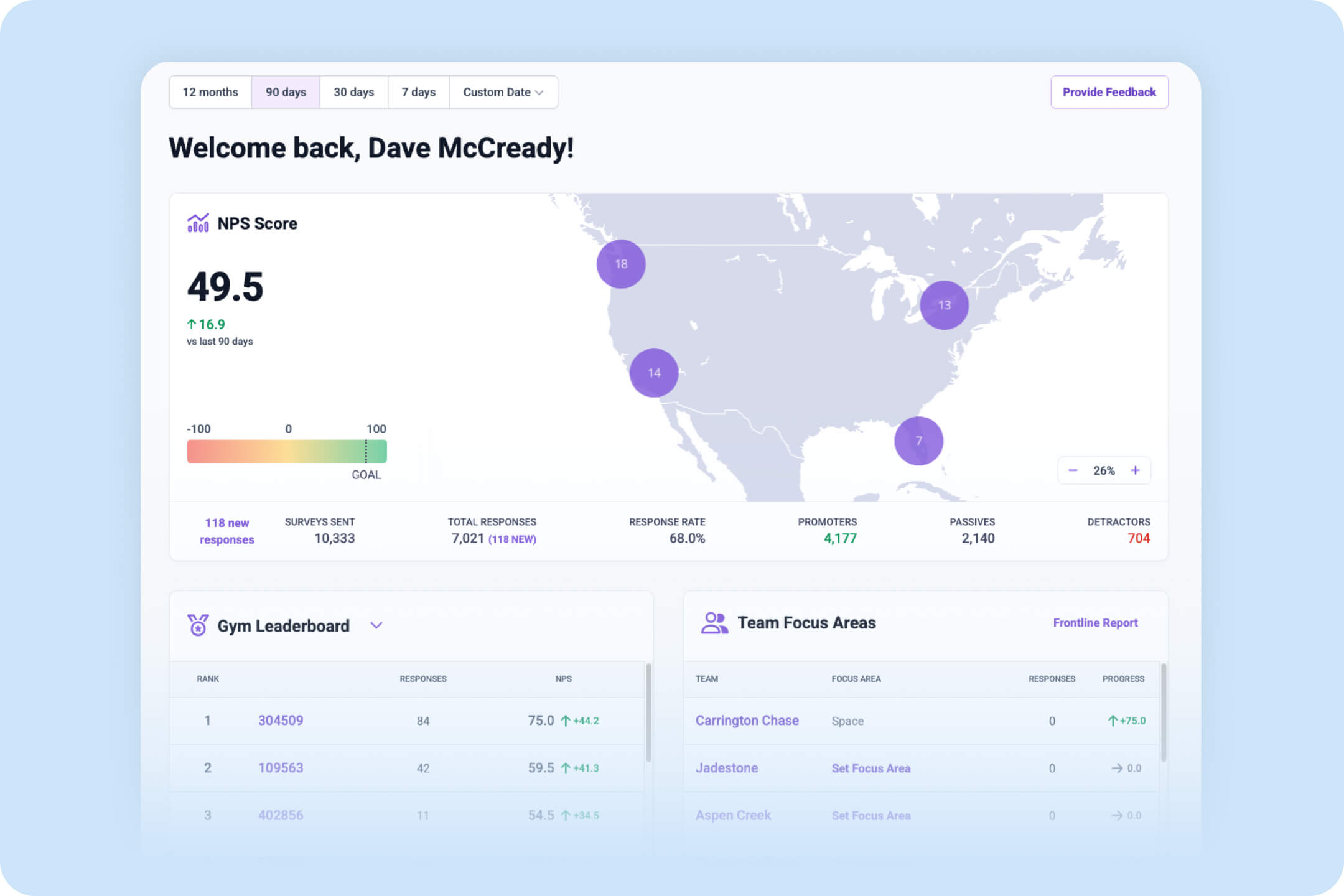
AskNicely is the leading customer satisfaction platform designed to help businesses collect, analyze, and, most importantly, act on customer feedback in real time. Most customer review management software is reactive. Once customers leave public reviews, which can be damaging to a business, it flags those reviews. But AskNicely flips the script by proactively gathering feedback at key moments in the customer journey. This gives businesses the power to resolve issues before they escalate, recognize top-performing team members, and continuously improve the customer experience. The idea is to identify blind spots, customer friction points, and moments of delight as they happen, so businesses can take immediate, meaningful action.
Key features
Reviews
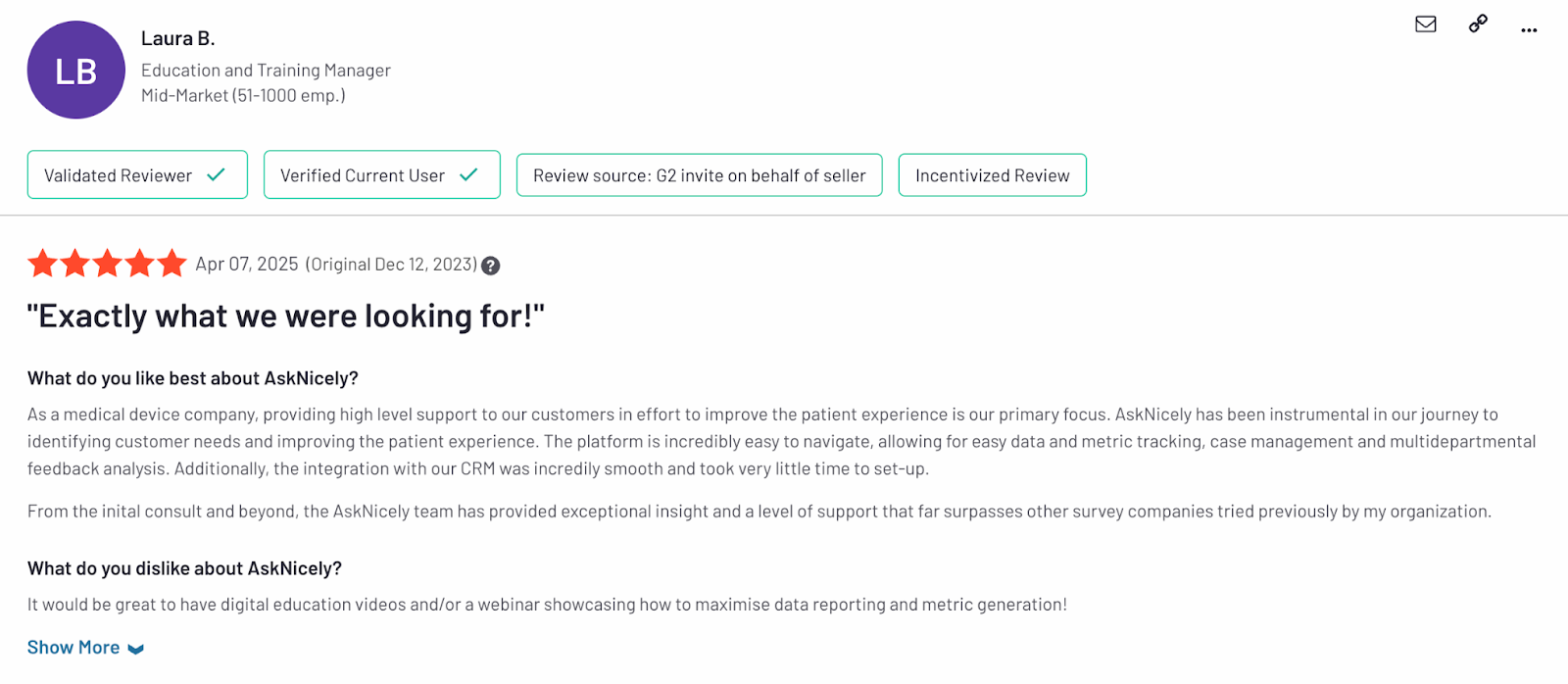
AskNicely has garnered positive reviews from users for its easy-to-use interface, automation and AI capabilities, and ability to provide real-time insights. Customers have praised the platform for its intuitive feedback collection system, which streamlines the data gathering and analysis process, allowing teams to respond promptly to customer concerns. Many users report a marked improvement in customer satisfaction, employee engagement, and revenue growth after implementing AskNicely.
Pros and cons
Pros:
Cons:
What kind of companies use AskNicely?
AskNicely is widely used across industries that prioritize customer experience, such as retail, home services, healthcare, and financial services. The platform is particularly beneficial for mid-market to enterprise-level businesses looking to improve their customer experience and employee engagement. Companies with a strong focus on customer-centricity, as well as those with multiple touchpoints for customer interactions, find AskNicely particularly useful.
Pricing
AskNicely offers several pricing tiers based on the size of your business and the features you need. Learn more about the flexible plans that grow with your business, whether you're just getting started or looking to scale your customer experience.
G2 ratings
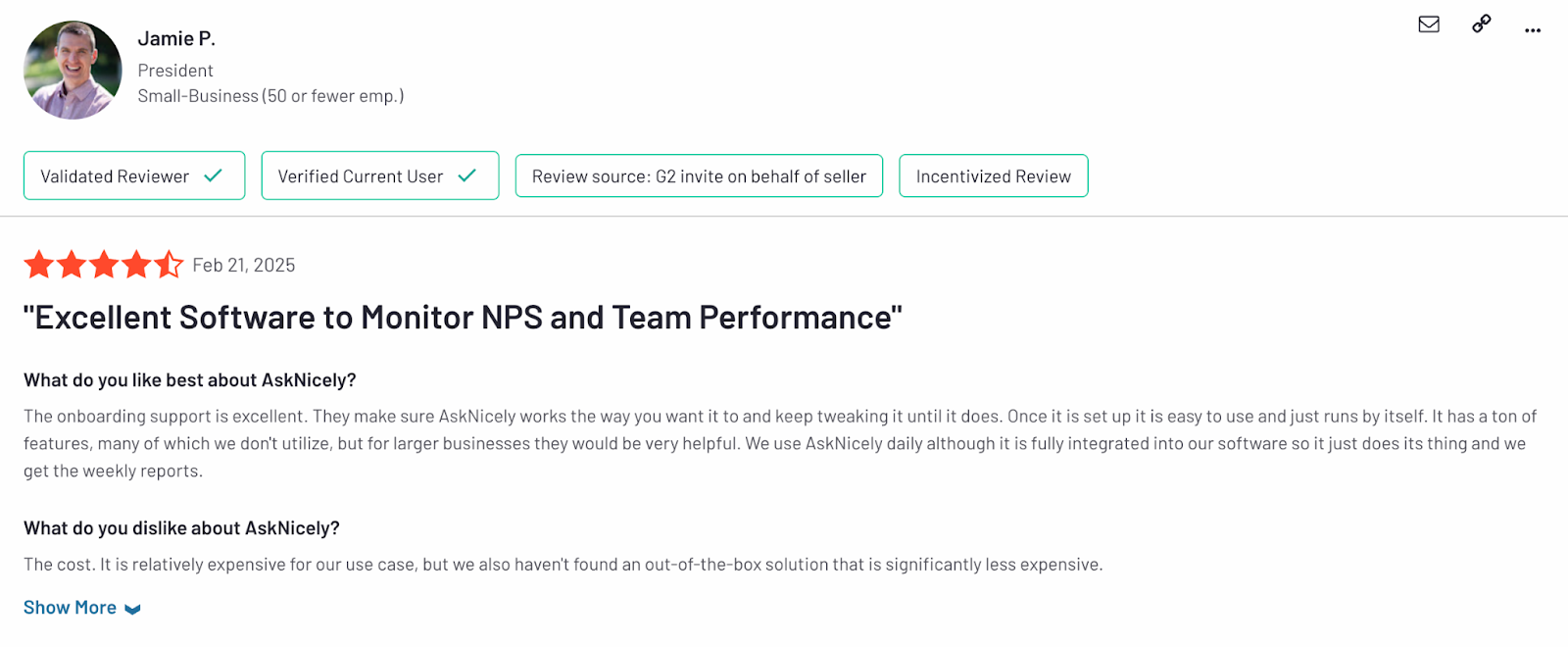
AskNicely holds a solid rating of 4.7 out of 5 stars on G2, based on over 900 reviews. Users particularly appreciate the product’s ease of use, the ability to drive actionable customer insights, and its integration capabilities. It’s consistently recognized for helping businesses improve customer loyalty and streamline feedback processes, making it a popular choice among customer-centric organizations.
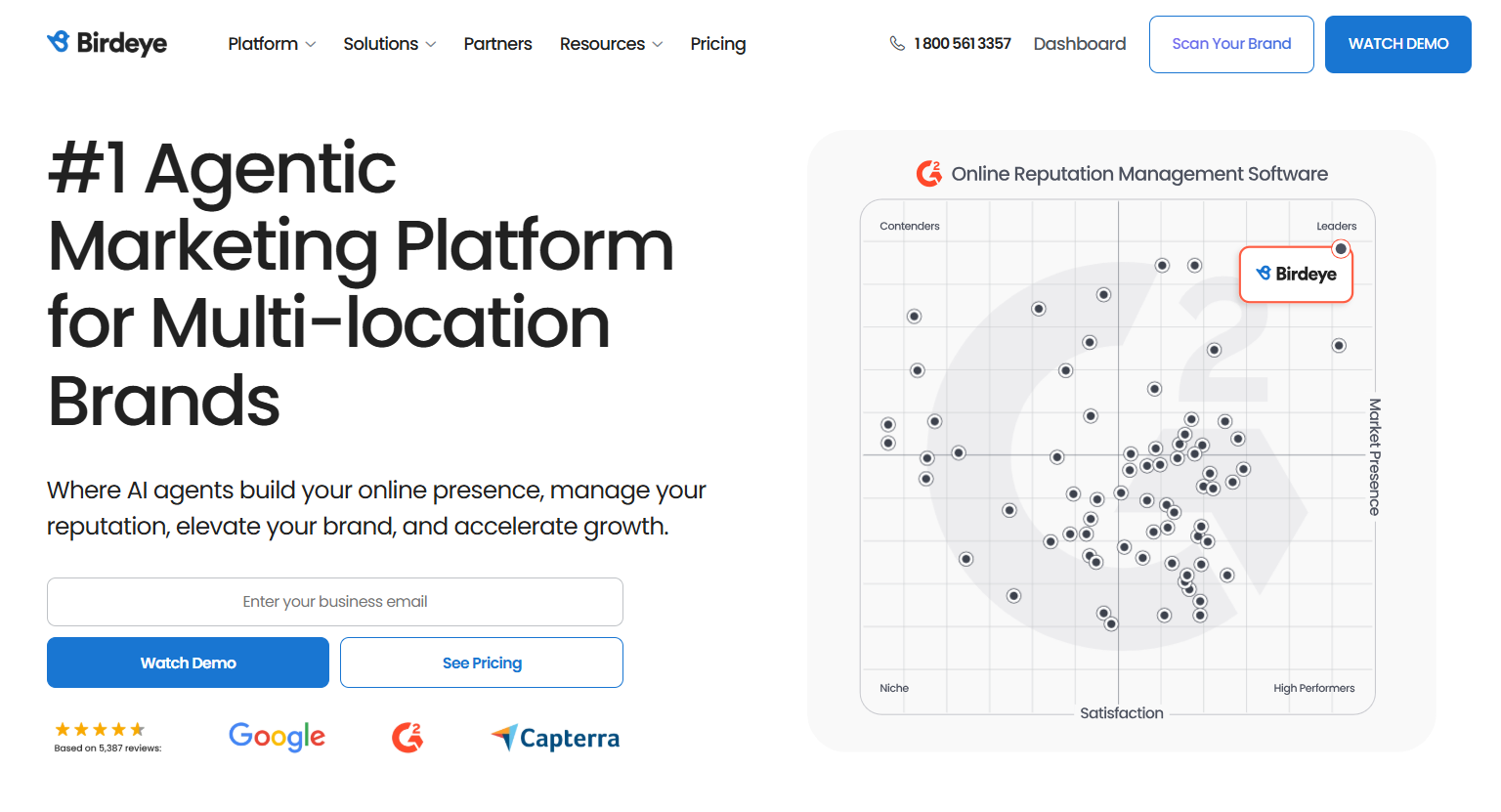
Birdeye positions itself as an all-in-one, AI-powered marketing platform built for multi-location brands. It brings together tools for review generation, listings management, social scheduling, and customer feedback into a single system, aiming to replace the patchwork of point solutions many businesses rely on.
In practice, Birdeye is best suited to larger, distributed organizations—think franchises, retail chains, or healthcare groups—that need centralized control over their online presence while still enabling some level of local execution. Its breadth is a strength: teams can manage reviews, update listings, and run surveys without constantly switching tools, and the AI-driven automation helps reduce manual workload at scale.
That said, the “all-in-one” promise comes with trade-offs, especially for multi-location service businesses that rely heavily on frontline teams and real-time customer interactions. The platform leans more toward marketing operations than operational customer experience (CX). For example, while it captures feedback effectively, turning that feedback into meaningful, on-the-ground action (like coaching staff or closing the loop quickly with customers) can require additional workflows or integrations. Teams looking for deep employee-level insights or service recovery tools may find it less robust in those areas.
Buyers should also watch for complexity. With so many features bundled into one platform, onboarding and day-to-day usability can be a challenge, particularly for smaller teams without dedicated marketing ops support. Pricing can scale quickly depending on locations and feature sets, so it’s important to evaluate which tools you’ll actually use versus what’s included by default.
In short, Birdeye is a strong fit for organizations looking to consolidate their digital marketing stack and standardize brand presence across locations. But for service-led businesses focused on improving frontline performance and customer experience in real time, it’s worth digging deeper into how well the platform supports action—not just insight.
Key features:
Reviews
Birdeye holds a 4.7/5 rating on G2 with over 3,400 reviews. Users highlight its user-friendly interface, AI automation, easy review monitoring, and robust reporting features.
Pros
Cons
Ideal users
Multi-location enterprise businesses in healthcare, dental, legal, automotive, home services, restaurants, retail, real estate, financial services, and fitness industries
Pricing
Pricing tailored to business size and marketing needs with custom packages available
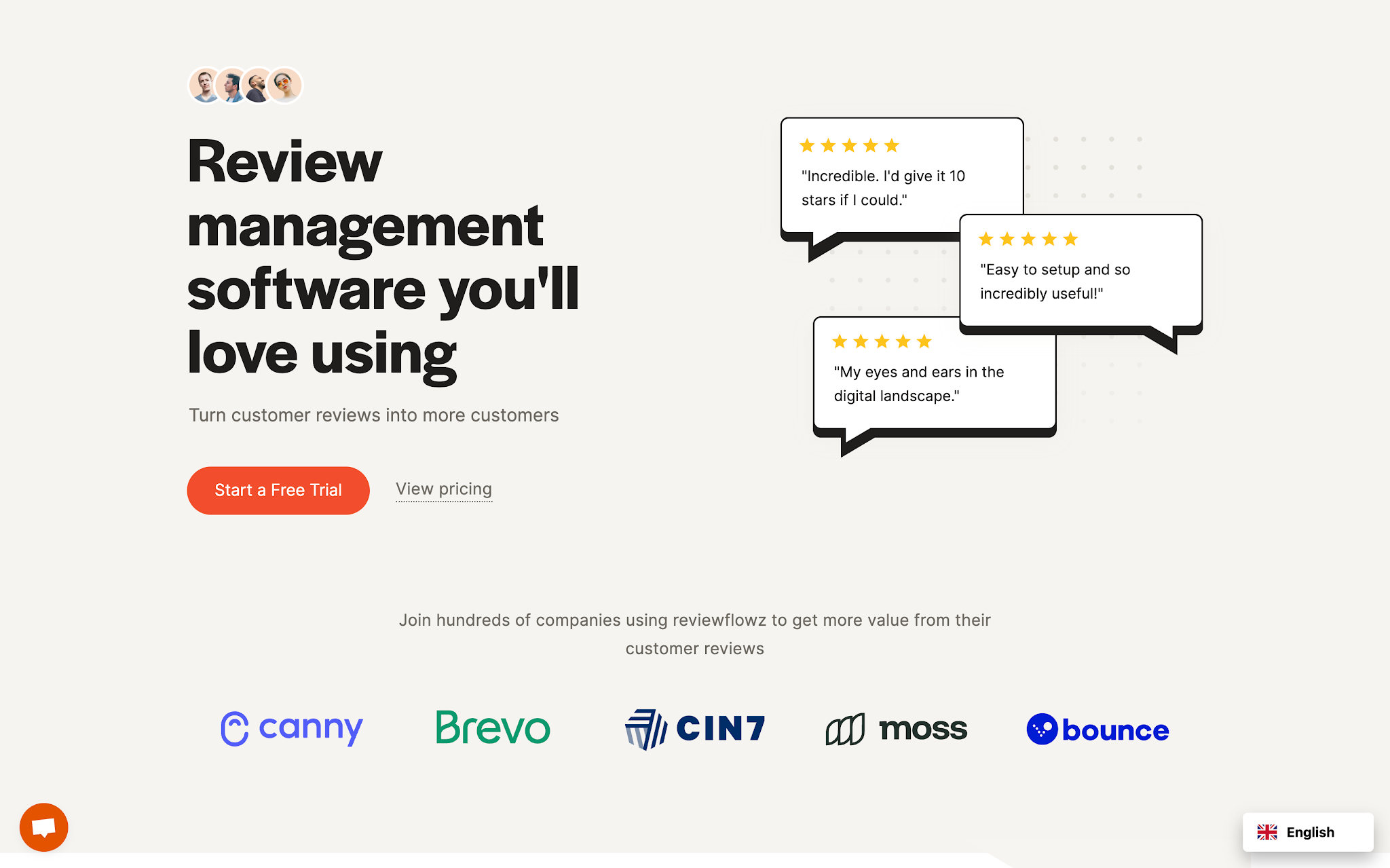
Reviewllowz is a lightweight, developer-friendly review management tool built with SaaS and tech startups in mind. Its core strength is simplicity: it helps teams collect, monitor, and showcase reviews across platforms like G2, Capterra, and Google without the overhead of a full-scale customer experience (CX) platform. With native integrations (like Slack) and flexible APIs, it’s particularly well-suited to product-led teams that want to automate review workflows and embed them into existing systems.
In practice, Reviewllowz is a strong fit for early-stage to mid-sized SaaS companies that care about social proof and want a fast, no-fuss way to manage reviews. It’s especially useful for teams with technical resources who can take advantage of its integrations to build custom workflows or trigger review requests at key moments in the user journey.
The platform is tightly focused on reviews, which means it lacks the broader capabilities these businesses often need, like location-level insights, operational feedback loops, survey tools, or frontline team engagement features. There’s little in the way of turning feedback into action at the local level, which is critical for service-driven organizations managing customer experience across multiple sites.
Teams without technical expertise may not get the full value out of its integrations, and those looking for an all-in-one solution will likely need to pair it with other tools. As the business scales—especially into more complex, multi-location environments—Reviewllowz may start to feel limited.
In short, Reviewllowz is a great option for SaaS teams that want a streamlined, customizable way to manage and amplify reviews. But for multi-location service businesses focused on operational CX and real-time improvements, it’s more of a point solution than a complete platform.
Key features:
Reviews:
Pros:
Cons:
Ideal users:
Pricing:
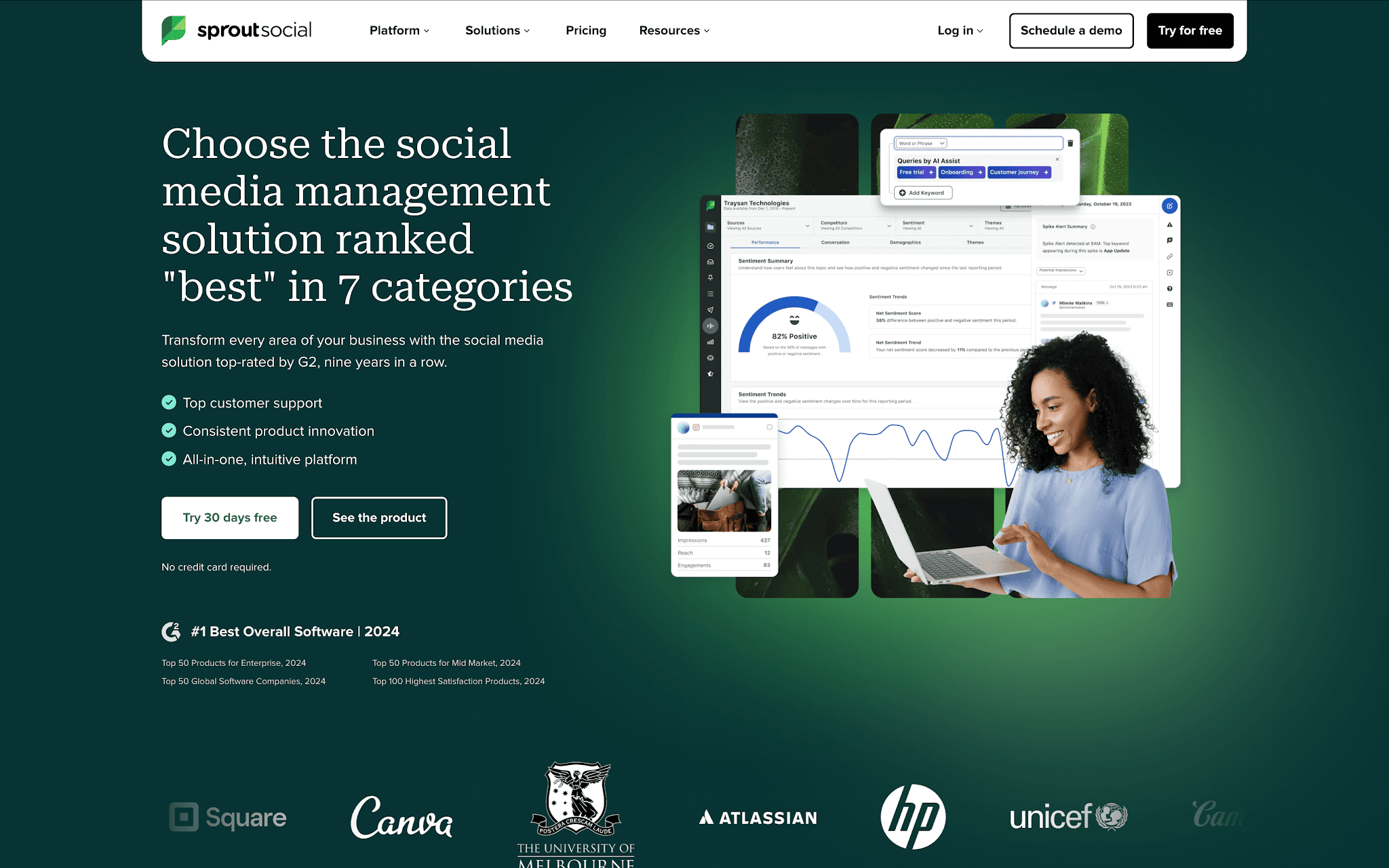
Sprout Social is best known as a premium social media management platform, built for teams that want to plan, publish, and analyze content while managing customer interactions in one place. Over time, it has expanded into reputation management (adding review monitoring and response capabilities) so marketing teams can connect social performance with broader brand sentiment.
Its sweet spot is mid-to-large organizations with dedicated marketing or social teams. For these users, Sprout offers strong publishing workflows, detailed analytics, and a unified inbox that brings social messages and reviews into a single stream. It’s particularly valuable for brands that see social media as a primary customer engagement channel and want tighter alignment between content, community management, and reputation.
However, for multi-location service businesses, Sprout’s strengths don’t always translate into operational impact. The platform is still fundamentally social-first, which means its review and feedback capabilities aren’t as deeply tied to location-level performance or frontline team actions. Businesses that need granular insights by site, or tools to drive behavior change at the employee level may find those features relatively limited.
It’s also worth considering the level of investment required. Sprout is positioned at the higher end of the market, and many of its more advanced features are bundled into premium tiers. For teams that primarily need review management or CX-focused tools, this can mean paying for a broader social suite they won’t fully use.
Ultimately, Sprout Social is a strong choice for marketing-led organizations looking to unify social media management with light reputation tracking. But for service businesses focused on improving customer experience across multiple locations, it’s more of a complementary tool than a standalone solution.
Key features:
Reviews:
Pros:
Cons:
Ideal users:
Pricing:
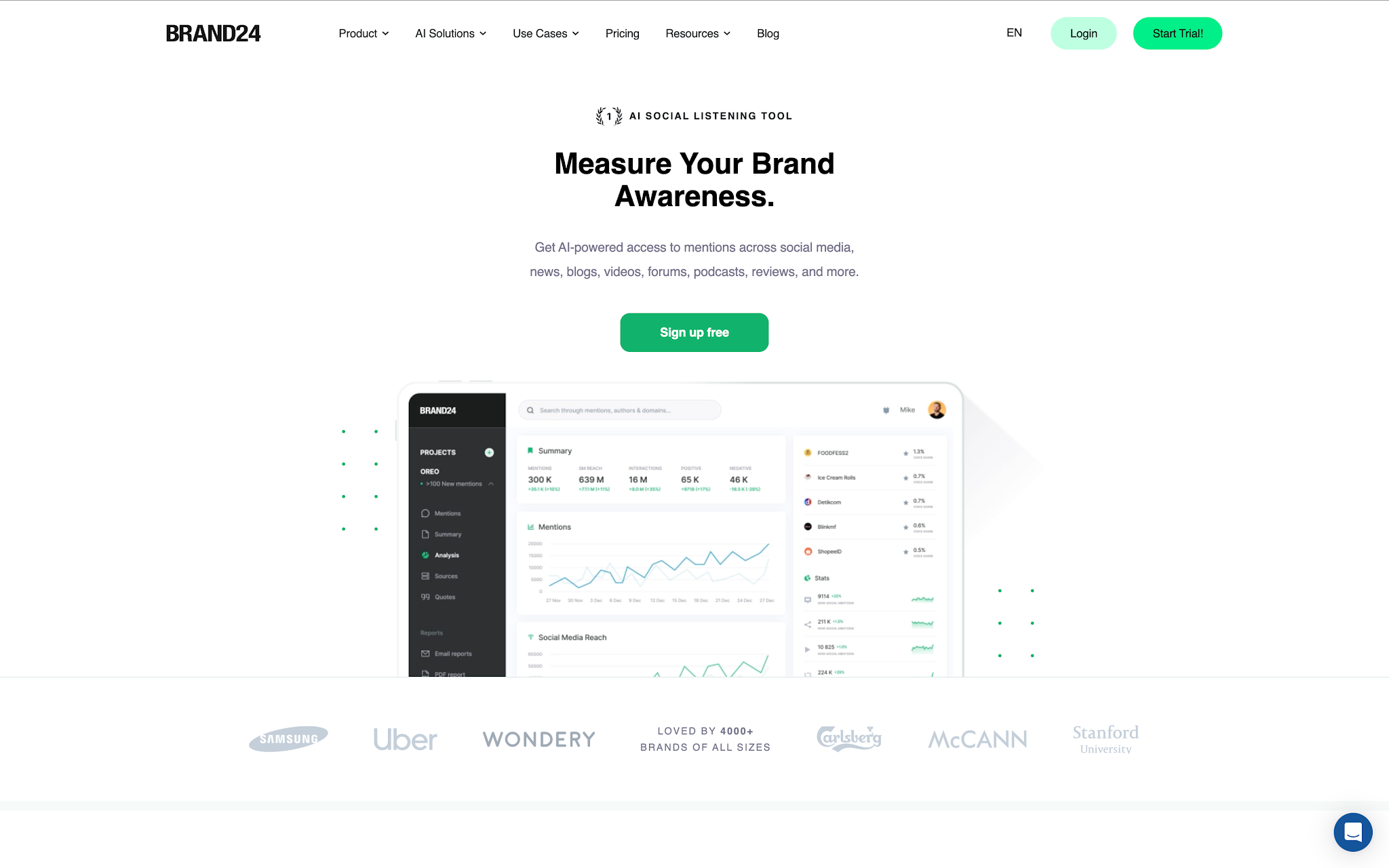
Brand24 sits in a slightly different category to most review platforms - it’s a social listening and media monitoring tool first, designed to track brand mentions across news sites, blogs, forums, and social media in real time. For marketing, PR, and communications teams, that makes it a powerful way to stay ahead of conversations, identify emerging trends, and respond quickly when issues arise.
It’s particularly well-suited to brand-led organizations that care about visibility and reputation at a broader, market level. If your goal is to understand how people are talking about your brand online (beyond just structured reviews) Brand24 delivers strong coverage and fast alerts. It’s also a valuable tool during PR-sensitive moments, where early detection can make a meaningful difference.
For multi-location service businesses, though, the value is less direct. Brand24 doesn’t focus on reviews, surveys, or customer feedback in a structured way, and it lacks the operational layer needed to turn insights into action at a local level. There’s no built-in mechanism for routing feedback to specific locations, coaching frontline teams, or closing the loop with individual customers, capabilities that are often critical in service environments.
Another consideration is signal vs. noise. Because the platform casts a wide net across the internet, not every mention will be relevant or actionable. Teams need to invest time in filtering and interpreting data to extract meaningful insights, which can be a barrier without dedicated resources.
Brand24 is a strong addition for teams focused on brand monitoring, PR, and market awareness. But for businesses trying to actively manage and improve customer experience across multiple locations, it works better as a complementary listening tool than a core CX or review management solution.
Key features:
Reviews:
Pros:
Cons:
Ideal users:
Pricing:
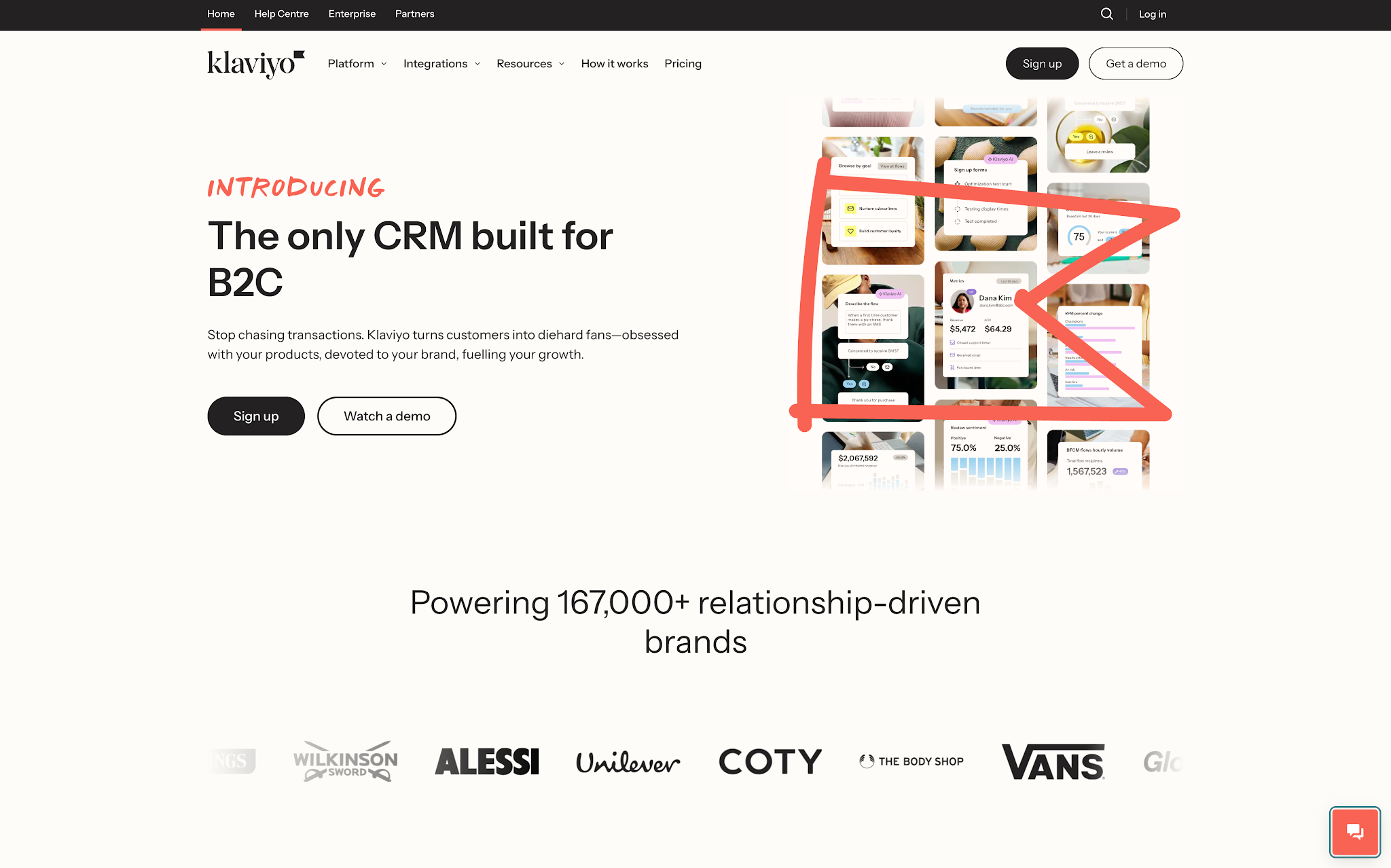
Klaviyo has carved out a strong position as a go-to marketing automation platform for eCommerce brands, particularly in the DTC space. Its core strength lies in data, helping teams segment audiences, trigger highly personalized email and SMS campaigns, and tie customer behavior directly to revenue. When paired with review tools and customer data, it can also play a role in amplifying customer sentiment and feeding it back into marketing performance.
This makes Klaviyo a natural fit for digital-first brands that want to monetize feedback rather than manage it operationally. If your focus is on driving repeat purchases, increasing lifetime value, and using reviews as social proof within campaigns, Klaviyo delivers a lot of value. Its integrations and automation capabilities allow teams to build sophisticated flows that connect customer actions, feedback, and messaging in a seamless way.
That said, Klaviyo isn’t a customer experience platform—and that distinction matters for multi-location service businesses. It doesn’t collect or manage feedback in a structured way, nor does it provide tools for acting on that feedback at a local or frontline level. There’s no visibility into individual locations, no workflow for service recovery, and limited support for teams trying to improve in-person experiences.
It’s also worth noting that getting the most out of Klaviyo requires a certain level of marketing maturity. The platform is powerful, but that comes with complexity—particularly around data management, segmentation, and campaign setup. Without a clear strategy, it’s easy to underutilize its capabilities or create overly complicated workflows.
Klaviyo is an excellent choice for eCommerce brands looking to turn customer data and sentiment into revenue-driving campaigns. But for multi-location service businesses focused on capturing feedback and improving customer experience on the ground, it’s not a standalone solution; it’s part of a broader stack.
Key features:
Reviews:
Pros:
Cons:
Ideal Users:
Pricing:

Jotform is a flexible online form builder that has grown into a broad data collection tool, moving well beyond basic surveys. It enables businesses to create customized forms for everything from customer feedback and review requests to internal workflows and service intake, making it a practical option for teams that need adaptable, no-code data capture across multiple touchpoints.
It tends to work best for small to mid-sized organizations that value control and versatility over specialization. Because it offers a large library of templates and deep customization options, teams can quickly spin up forms for different use cases, whether that’s post-service feedback, lead capture, or simple review generation, without needing a dedicated customer experience (CX) platform.
Where Jotform starts to show limitations is in depth and structure around customer experience management. While it’s strong at collecting data, it doesn’t inherently help teams interpret feedback trends, manage reputation across channels, or coordinate action across multiple locations. For multi-location service businesses, that means insights often remain fragmented unless they’re exported and managed elsewhere.
There’s also a degree of self-management required. As use cases expand, forms can proliferate quickly, and without strong governance, teams may end up with inconsistent data structures or duplicated workflows. In more complex organizations, this can make it harder to maintain visibility across locations or standardize how feedback is captured and acted on.
In short, Jotform is a versatile and accessible tool for capturing structured feedback and light review workflows. But for service-led businesses operating across multiple sites, it works best as a front-end data collection layer rather than a full customer experience or review management solution.
Key features:
Reviews:
Pros:
Cons:
Ideal users:
Pricing:

ReviewTrackers is a focused review management platform built to help businesses centralize customer feedback from across dozens of review sites into a single dashboard. Its core value lies in giving teams a clear view of what customers are saying online, alongside tools to respond, track sentiment, and monitor performance across multiple locations.
It’s a strong fit for multi-location organizations that want tighter control over their online reputation without investing in a broader customer experience suite. Teams in industries like hospitality, healthcare, or retail can use it to standardize review responses, identify recurring themes in feedback, and compare performance across sites. The multi-location reporting is especially useful for regional managers who need visibility into trends rather than isolated comments.
Where ReviewTrackers can be more limited is in how far it takes that feedback once it’s captured. While it excels at aggregation and monitoring, it offers less depth when it comes to closing the loop operationally—such as routing insights into frontline workflows, linking feedback to employee performance, or driving structured service recovery processes. For organizations trying to turn customer sentiment into day-to-day operational change, additional tools are often required.
It’s also worth noting that the platform is primarily focused on reviews rather than the broader spectrum of customer experience data. Surveys, behavioral signals, and in-product feedback typically sit outside its core scope, which can leave gaps for businesses looking for a more holistic CX view.
Overall, ReviewTrackers is a strong choice for organizations prioritizing reputation management and cross-location visibility. But for teams aiming to connect feedback directly to operational improvement and frontline execution, it often functions best as part of a wider CX toolkit rather than a complete solution on its own.
Key features:
Reviews:
Pros:
Cons:
Ideal users:
Pricing:
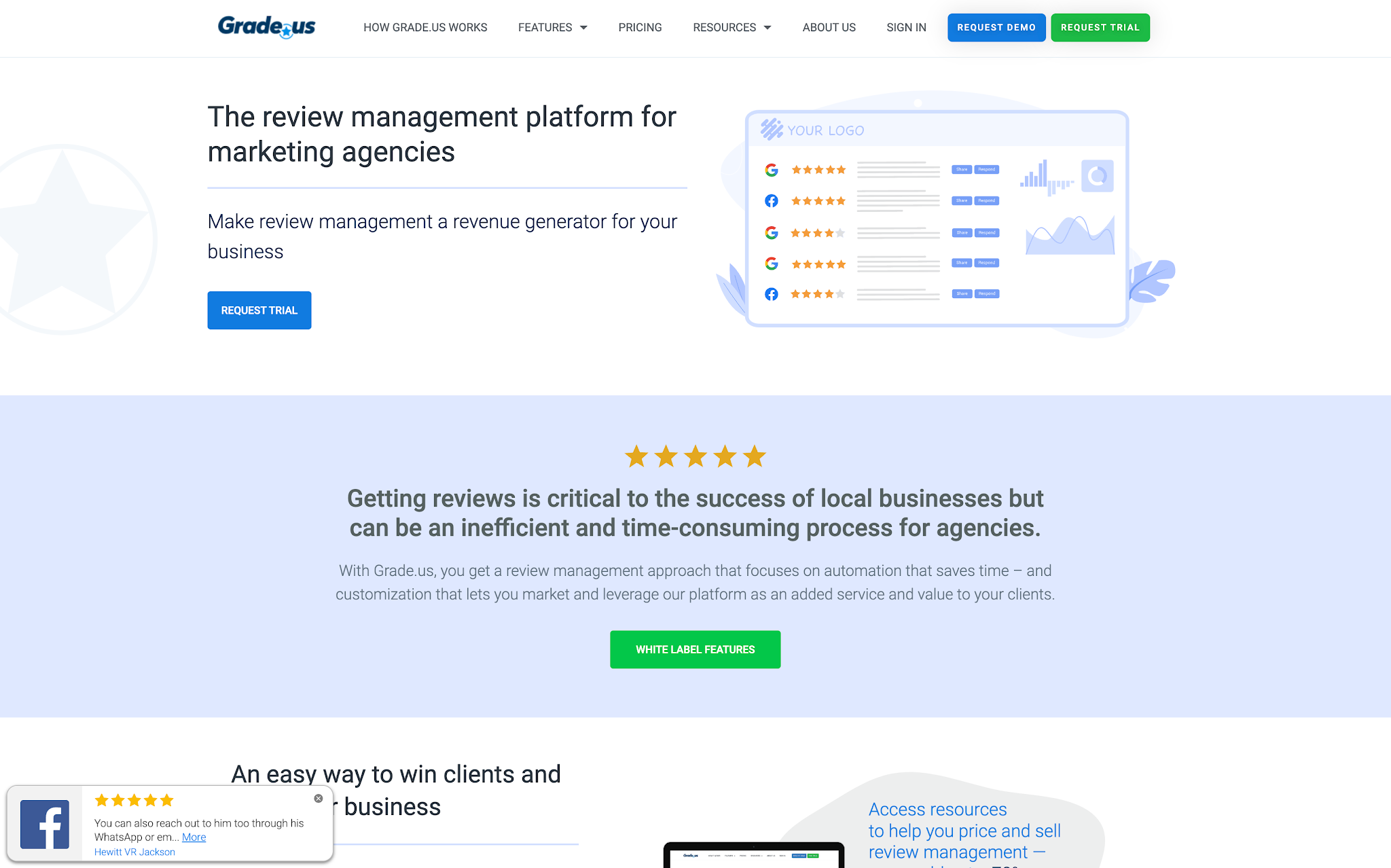
Grade.us is a white-label review management platform built primarily for agencies, consultants, and marketing teams that manage online reputation on behalf of multiple clients. It focuses on automating review generation, creating customizable funnels to capture feedback, and providing reporting tools that can be packaged and delivered under an agency’s own brand.
Its core strength is in scalability for service providers working across multiple accounts rather than internal business teams. Agencies can use it to streamline review acquisition workflows, standardize reporting, and offer reputation management as a repeatable, productized service. The white-label aspect is especially valuable for firms that want to present a fully branded experience to their clients without building their own tooling.
Where Grade.us is less suited is in broader customer experience management or operational feedback use cases. It’s tightly focused on review generation and reputation marketing, rather than capturing multi-channel customer feedback or driving internal improvements across locations or teams. For multi-location service businesses, that means it often sits outside the core CX workflow rather than connecting directly to frontline operations or service recovery processes.
Buyers should also consider that its value is closely tied to an agency-style operating model. Teams looking for deep analytics, cross-location benchmarking, or integrated customer experience tooling may find the platform relatively narrow in scope. As a result, it typically works best when paired with other systems rather than used as a central CX hub.
Grade.us is a strong fit for agencies and consultants that need a scalable, branded way to manage review generation for clients. But for organizations focused on end-to-end customer experience improvement, it functions more as a specialized reputation layer than a comprehensive solution.
Key features:
Reviews:
Pros:
Cons:
What kinds of companies use Grade.us?
Pricing:
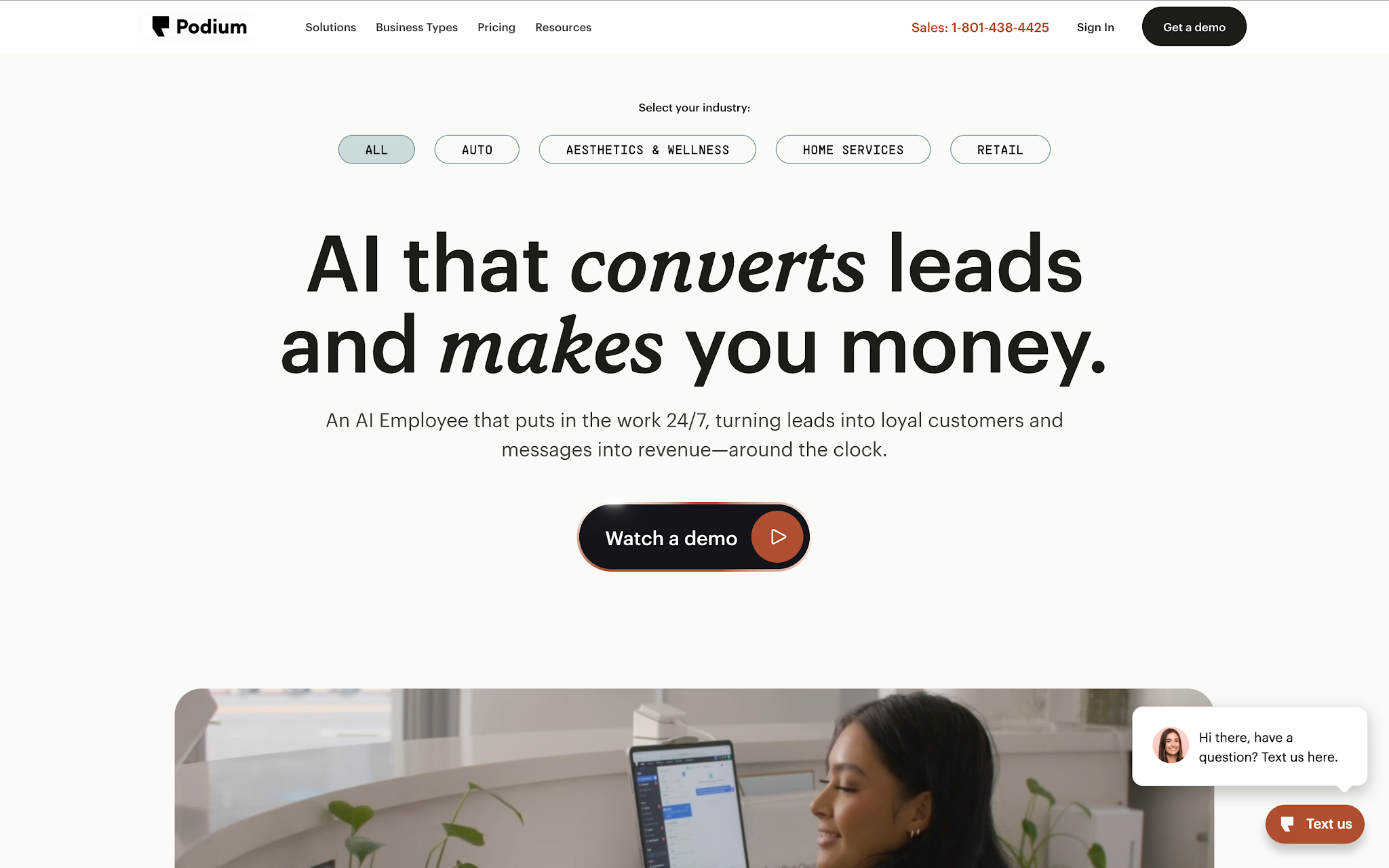
Podium is a customer communication and reputation management platform built primarily for local, service-based businesses. It brings together tools like SMS messaging, web chat, payment collection, and automated review requests into a single inbox, aiming to simplify how teams interact with customers across the entire journey.
It’s particularly well suited to brick-and-mortar and appointment-driven businesses (such as home services, automotive, healthcare, and local retail) where fast, direct communication has a clear impact on conversion and customer satisfaction. The unified inbox is a key differentiator, allowing teams to respond quickly to inbound messages, manage bookings, and follow up with customers without switching between channels.
Where Podium stands out is in making customer interaction feel immediate and conversational, especially through text-based communication. This can be highly effective for teams that want to reduce friction in booking, payments, and review generation, while also increasing response rates compared to traditional email-led workflows.
That said, while it captures interactions and reviews effectively, it offers less depth in analyzing feedback trends across locations or translating customer sentiment into structured operational improvement. For multi-location service businesses, that can mean limited visibility into longer-term performance patterns or frontline coaching opportunities.
It’s also worth noting that teams get the most value from Podium when SMS and conversational engagement are central to their customer journey. Businesses that don’t rely heavily on text-based communication may find parts of the platform underutilized, especially if their focus is more on surveys, analytics, or cross-location CX reporting.
Overall, Podium is a strong fit for local businesses that want to streamline customer communication and boost review generation through conversational channels. But for organizations focused on deeper CX insights and operational transformation across multiple locations, it often works best as a communication layer alongside more specialized customer experience tools.
Key features:
Reviews:
Pros:
Cons:
What kinds of companies use Podium?
Pricing:
Most buyers make the mistake of comparing features before clarifying the problem they're trying to solve. The right software for a single-location boutique is not the right software for a 50-location franchise. Start with your primary pain point, then evaluate only the features that matter for your situation.
Which of these sounds most like you?
Find your scenario below.
Your priority is speed of response and damage control, not volume automation.
Your priority is throughput. Every feature should be evaluated by how much time it saves per response.
Your priority is visibility and control across a distributed team without centralising everything to head office.
Your priority is generating a higher volume of reviews from satisfied customers, without running afoul of platform guidelines.
Your priority is turning feedback into operational improvements, not just managing responses.
Your priority is control, auditability, and consistency — often at the expense of response speed.
Managing customer reviews effectively is crucial to maintaining a positive brand reputation and building trust with your customers. Common issues such as inconsistent review responses, delayed feedback loops, or failing to act on review insights can harm your reputation and damage customer trust. To help you get the most out of your customer review management software, here are several best practices that customer service and marketing teams across industries rely on:
Make it easy and convenient for your customers to leave reviews by sending automated review requests and reminders after key interactions or purchases. Encourage positive reviews by asking customers for feedback after they've had a great experience with your product or service. The more reviews you collect, the more insights you gain.
Responding to both positive and negative feedback shows that you care about customer feedback and are willing to engage. Craft personalized responses that acknowledge the customer’s experience and offer solutions if necessary. This demonstrates to potential customers that your business values feedback and is committed to continuous improvement.
Use the AI analytics and insights provided by your review management software to track common themes, issues, and customer sentiment over time. Look for trends in feedback to spot areas for improvement and address recurring concerns before they escalate. Timely action can enhance your brand’s reputation and customer loyalty.
Leverage positive customer reviews in your marketing efforts to build credibility and trust. Share testimonials on your website, social media, and in advertising materials. User-generated content is a powerful tool for attracting new customers, as people tend to trust peer recommendations over traditional marketing.
Ensure that your team is trained on how to use the review management software effectively and how to respond to reviews in a timely, empathetic, and constructive manner. Consistency is key - your team should be aligned on tone and approach, and well-versed in using the software’s features to drive the best possible customer experience.
By following these best practices, your business can maximize the value of customer review management software and foster stronger customer relationships.
McGrath Estate Agents used AskNicely integrated with PropertyMe to move from reactive, fragmented feedback to real-time visibility across their national franchise network. Previously, customer issues were often surfaced too late via public reviews, with little insight into the root causes behind performance metrics like renewals.
By embedding NPS and CSAT surveys into daily workflows, McGrath gained continuous insight into customer sentiment and operational friction points. This allowed teams to identify issues earlier, improve processes (including accounting errors), and close the loop with customers more effectively.
The integration also reduced manual work and enabled automated review requests, helping turn positive feedback into online social proof. At the same time, customer insights were used to recognise high-performing teams, shifting feedback from something “scary” into a tool for motivation and improvement.
Overall, McGrath used real-time feedback to drive more reviews, improve internal accountability, and strengthen both customer and employee experience across locations.
Heninger Garrison Davis, LLC (HGD), a high-volume personal injury law firm, used AskNicely integrated with Filevine to replace manual, ad-hoc review requests with automated client feedback workflows. Previously, feedback was collected inconsistently, making it difficult to understand client sentiment or generate a steady stream of online reviews.
By embedding NPS surveys into key moments in the client journey (such as case closures and ongoing check-ins) HGD was able to gather feedback at scale without adding operational burden. Review requests were also automated, turning positive experiences into a consistent flow of Google reviews.
This shift gave the team real-time visibility into client satisfaction and helped attorneys identify key drivers like communication and empathy. Internally, feedback became easier to track and act on, supporting improvements in systems and client experience.
Most importantly, the process required minimal effort from staff, allowing the firm to scale reputation management while improving service quality at the same time.
AskNicely is an award winning closed-loop customer experience platform that helps businesses turn feedback into measurable operational improvement and more positive reviews. Instead of stopping at collection or monitoring, it connects the entire feedback cycle: capturing customer sentiment in real time, surfacing actionable insights, activating frontline teams, and turning great experiences into public reviews.
With AskNicely, businesses can move through the full feedback loop:
Collect feedback at scale, in the flow of work
Capture customer sentiment through automated email, SMS, and web surveys triggered at key moments in the customer journey. Metrics like NPS, CSAT, and Customer Effort Score provide a consistent, real-time view of experience across locations and touchpoints.
Surface insights that teams can actually act on
Feedback is centralized and analysed in real time, making it easy to identify trends, spot service breakdowns, and understand what’s driving customer loyalty or churn. Instead of static dashboards, teams see what needs attention right now.
Activate frontline teams with real-time visibility
Tools like AskNicelyTV and role-based dashboards bring feedback directly to the people who can influence it most. Frontline teams receive immediate recognition for great service and clear signals when improvements are needed, turning feedback into daily behaviour change rather than retrospective reporting.
Close the loop and generate more positive reviews
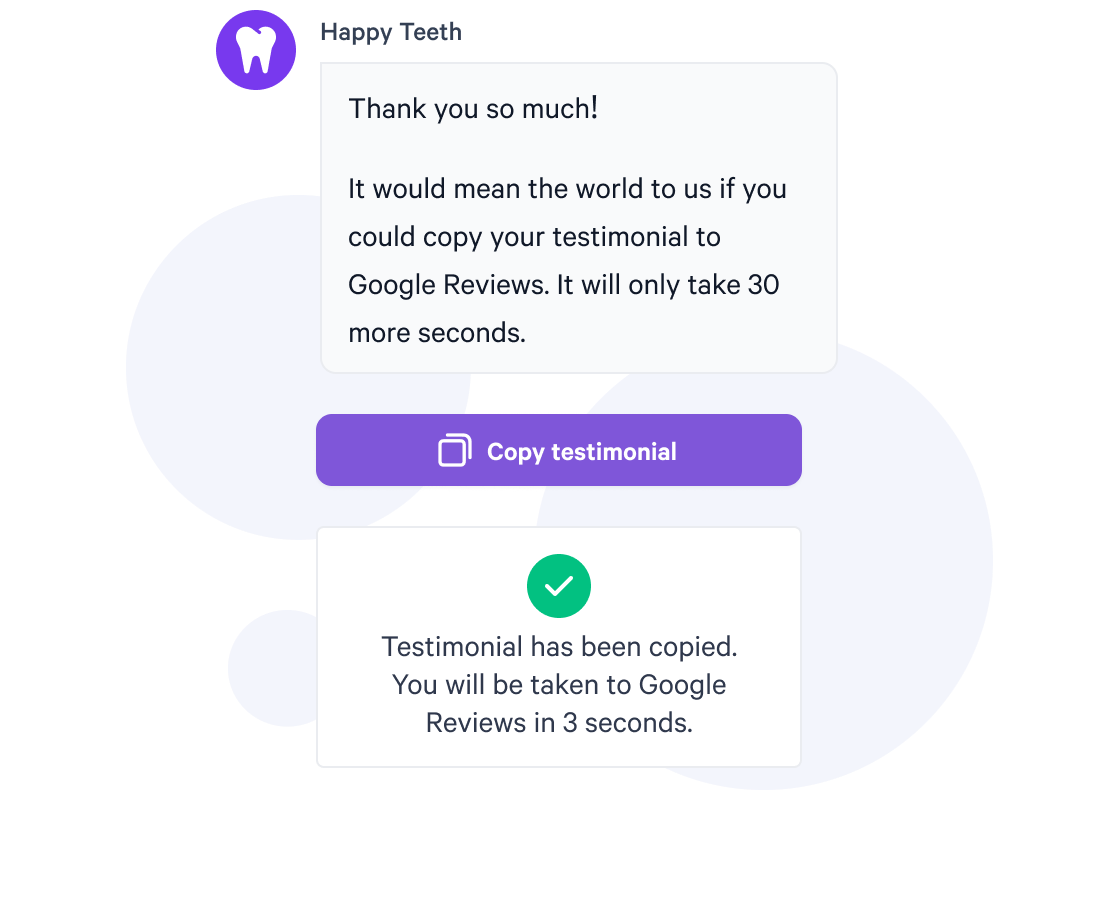
Happy customer moments are automatically converted into review requests across platforms like Google and Trustpilot. This ensures feedback doesn’t just improve internal performance, it also drives public social proof and new customer acquisition.
Integrate feedback into your existing systems
Seamless integrations with CRMs, helpdesk tools, and BI platforms ensure feedback is embedded into operational workflows, not siloed in a separate system.