HappyOrNot alternatives: Top customer feedback tools compared
Service brands in 2026 are using customer feedback tools as part of their tech stacks. Collecting feedback isn’t the challenge anymore, and now acting on that feedback and implementing change is the problem.
The real opportunity lies in delivering insights to the customer-facing teams fast enough to make a difference, before a poor experience turns into lost revenue. That’s where modern customer feedback platforms stand apart because they help teams close the loop, improve in real time, and build stronger customer relationships with every interaction. The best solutions turn the feedback into clear, actionable insights your team can use on the ground.
Not all platforms are built the same, though. Some are designed for quick, transactional feedback, while others focus on driving ongoing improvement and long-term loyalty.
Here’s a closer look at leading HappyOrNot alternatives. Including their key features, pricing models, and where they fit best, so you can choose the right approach to measure and improve customer satisfaction:
If you’re looking for an alternative to HappyOrNot, you might look for customer feedback management solutions that go beyond traditional smiley kiosk methodology they offer. These more robust solutions help capture real-time customer satisfaction metrics across multiple touchpoints. These platforms also combine automated survey collection through various channels, from self-service kiosks to chatbots and social media, with sophisticated workflow automation that enables immediate follow-up on customer experience issues.
Unlike basic star rating systems, modern alternatives integrate NPS tracking, help desk functionality, and real-time notifications to help healthcare organizations, service providers, and large enterprises take customer feedback that frontline teams can address immediately.
Why seek alternatives to HappyOrNot?
You’ve probably seen HappyOrNot in the wild at the airport or in a public restroom. HappyOrNot is great for capturing quick, in-the-moment feedback, but many service brands need more than a smiley-face score. They need tools that help them act fast, empower their teams, and drive measurable improvements in customer experience.
Modern customer feedback platforms go further, unlocking capabilities like:
Drive revenue retention with proactive service recovery: Real-time alerts and automated workflows help teams respond to issues immediately after a customer interaction. Instead of discovering problems weeks later, frontline staff can step in quickly, recovering poor experiences before they turn into negative reviews, churn, or lost revenue.
Create a competitive edge through frontline empowerment: Rather than relying on delayed reports or top-down analysis, these platforms put customer experience insights directly into the hands of the people delivering the service. Teams can spot patterns, adjust in real time, and continuously improve without waiting for management to step in.
Scale personalized support as you grow: As businesses expand, maintaining a consistent, high-quality experience becomes harder. Advanced feedback tools use automation and smart reporting to help teams deliver personalized service at scale, whether you’re serving hundreds or millions of customers across multiple channels.
Improve efficiency with intelligent automation: By connecting feedback to your existing systems like help desks and CRM platforms, modern tools streamline follow-up and ensure nothing slips through the cracks. The result: faster response times, less manual work, and a lower cost to resolve customer issues.
How to choose the best HappyOrNot alternative
When evaluating HappyOrNot alternatives and customer experience management solutions, look for platforms that offer real-time insights for measurable business outcomes.
Frontline empowerment and accessibility: Your feedback solution must deliver personalized coaching directly to individual team members and locations, not just aggregate metrics for headquarters. Look for personal scorecards, real-time dashboards, and mobile-friendly interfaces that make customer satisfaction actionable for every employee, making feedback a daily operational practice.
Multi-channel collection with automation: The platform should capture feedback across all touchpoints, including email, SMS, web, kiosks, and chatbot interactions, with triggered workflows and automated follow-up. Collecting feedback immediately after service interactions ensures higher response rates and more accurate NPS and CSAT metrics than traditional smiley terminals.
Real-time action and resolution management: Beyond visualization, your platform must enable immediate responses through smart routing, case management, and integration with existing help desk and CRM providers, such as Hubspot and Zendesk. Look for automated notifications and self-service capabilities that enable quick closure of the loop with customers.
AI-powered analytics and theme detection: The solution should automatically identify emerging issues without manual analysis. Features like sentiment analysis, trend detection, and predictive insights help teams stay ahead of problems before they impact customer experience, going far beyond simple star rating collection.
Recognition and performance management: Choose a platform that builds motivation through gamification, leaderboards, and automated praise based on customer feedback and user reviews. This turns customer support metrics from a quarterly review topic into daily motivation that drives continuous improvement across your organization.
Comparing the top HappyOrNot alternatives
Here’s a breakdown of some of the top HappyorNot alternatives, compared on their features, use cases, pricing, ideal customers, pros and cons, and more.
AskNicely
HappyOrNot
FeedbackNow
LiveAgent
Zendesk
Zoho Survey
Typeform
Products & features
Multi-channel surveys; NiceAI; dashboards; employee activation; TV display; review requests
Smiley terminals; AI analytics; APIs; demographic data
Limited analytics on lower tiers; response caps; complexity
Response limits; volume pricing; logic limitations; no offline mode
What is AskNicely?
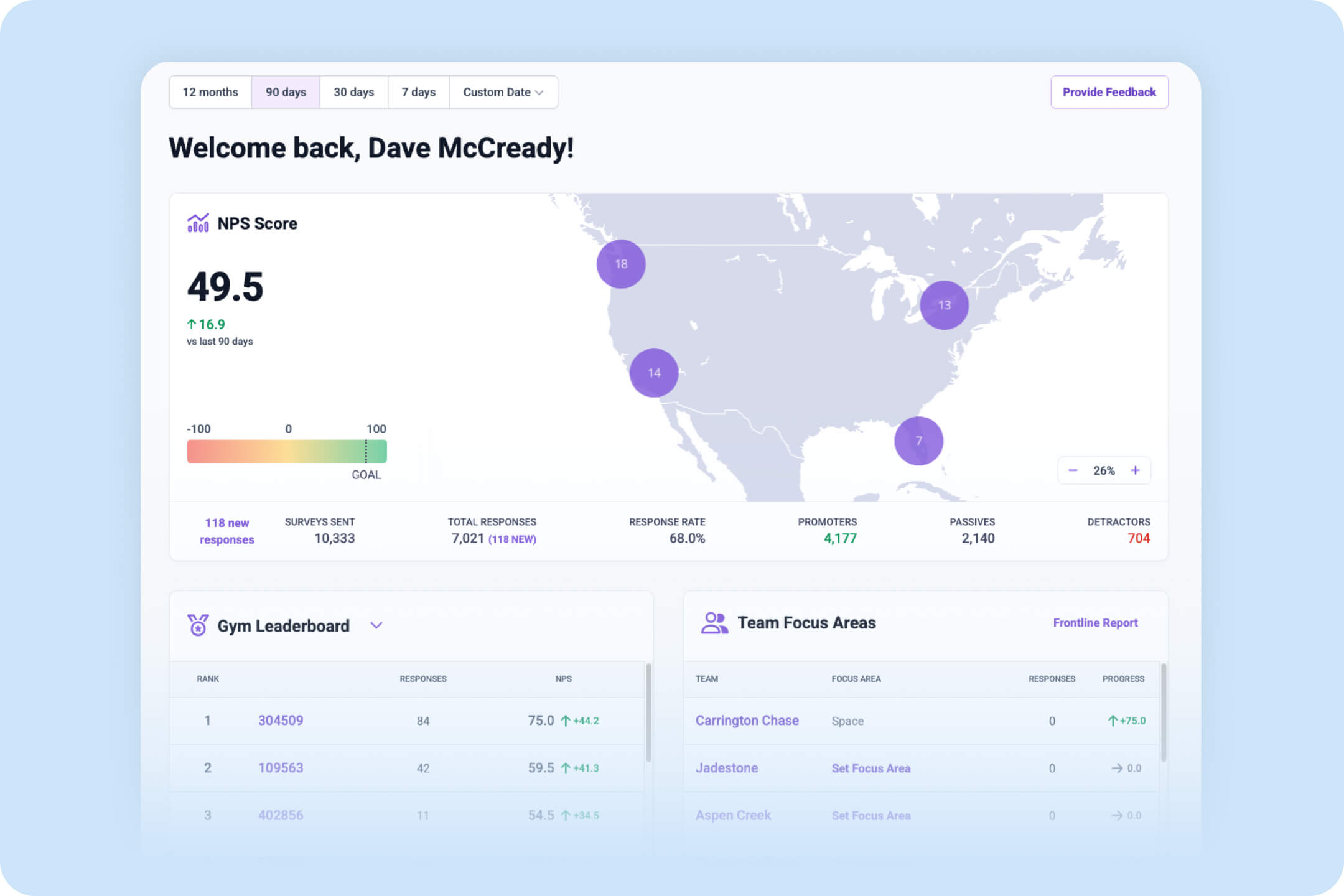
AskNicely is an AI-enabled customer experience platform built for service businesses that know feedback is only useful if someone actually does something with it.
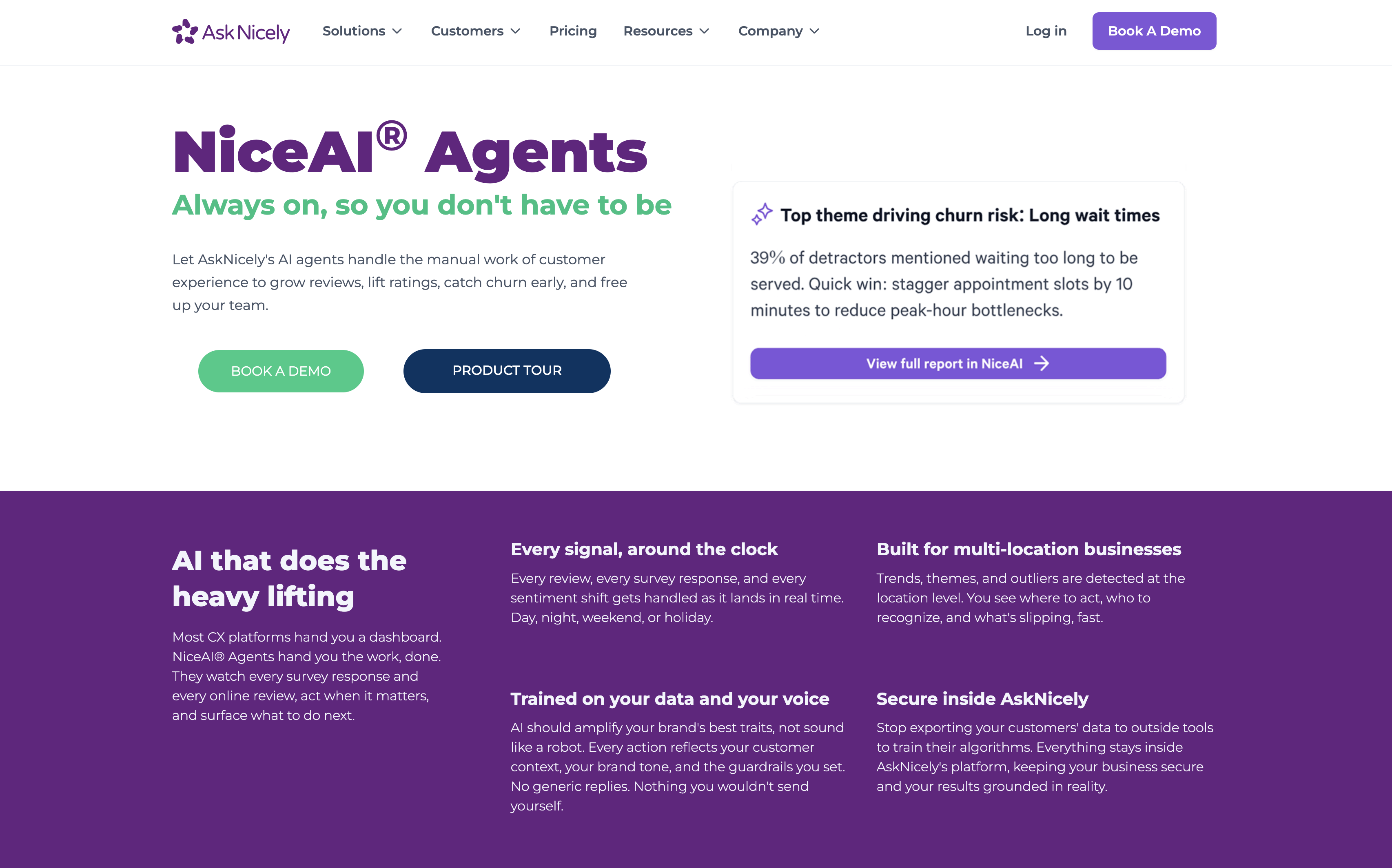
At the core is NiceAI, AskNicely's generative AI engine that does more than crunch numbers. It asks smarter questions, adapting in real time based on who the customer is and what they've experienced before. That means richer responses, more relevant context, and a clearer picture of what's actually happening on the ground.
When the feedback comes in, NiceAI condenses it into sharp, actionable summaries, so your team isn't wading through hundreds of responses to find the signal. Key trends surface automatically, and the insights land with the people who can act on them. Not just leadership. But the frontline teams deliver experiences every single day.
The result is a shorter gap between "a customer had a problem" and "we fixed it."
AskNicely - Key products and features
NiceAI: AI-powered features that revolutionizes feedback collection with dynamic questions that adapt in real-time based on customer data. Provides feedback summaries, sentiment analysis, and moderates offensive feedback by transforming it into constructive criticism. Ask NiceAI allows users to query their feedback and see results generated from the analysis of reviews, feedback, locations, and more.
Feedback analytics: Comprehensive analytics platform featuring AI text analysis with NLP to identify themes, real-time dashboards for tracking NPS/CSAT scores, and data segmentation tools. Includes performance leaderboards and presentation-ready reports for stakeholder communication.
Customer feedback management: Automated workflows for managing and responding to customer feedback with streamlined visibility and communication. Integrates with Slack and Intercom to enable direct responses and rapid issue resolution.
Employee activation: Frontline enablement tools, including personalized dashboards, report cards, and coaching playbooks that aggregate customer insights by topic. Features: AskNicely TV provides real-time performance displays, and a mobile app allows for access anywhere.
Multi-channel survey data collection: Flexible feedback collection across email, SMS, web embeds, mobile apps, and in-store kiosks. Includes survey builder with customizable templates, conversational styles, and QR code surveys for easy engagement.
AskNicely - Key use cases
Multi-location service consistency: Tracks performance metrics across regions and teams to ensure uniform service quality. Enables location-specific analysis and recommendations to standardize customer experiences.
Frontline team performance management: Connects customer feedback directly to individual employees through scorecards and coaching insights. Automates recognition and coaching based on feedback to improve service delivery.
Reputation and review management: Identifies happy customers and prompts them to leave positive customer reviews on Google and other platforms. Transforms satisfied customers into advocates while addressing negative feedback internally.
Customer issue resolution: Enables rapid response to grievances through automated workflows and real-time alerts. Routes feedback to appropriate team members and tracks resolution from receipt through completion.
CX performance measurement: Centralizes NPS, CSAT, and 5-star rating tracking with automated collection and analysis. Provides actionable insights that connect frontline performance to business outcomes, such as retention and revenue growth.
AskNicely pricing
AskNicely offers tiered plans that grow with organisational needs. All plans include core survey capability and automated workflows, while higher‑tier plans add advanced analytics, real‑time dashboards, integration options, review and testimonial generation, in‑app and white‑label surveys, API access, and frontline coaching tools. Pricing scales based on survey response volume and feature set, and plans are typically quoted through AskNicely’s sales team. A personalised demo is available to help organisations choose the right plan.
Who they're ideal for
AskNicely is ideal for B2C service businesses with multiple locations, particularly in healthcare, home services, education, finance, and franchise systems. The platform serves organizations that depend on frontline workers to deliver customer experiences, struggling with inconsistent service quality between teams, and wanting to turn feedback into action rather than just gather insights. Companies seeking to improve retention, reputation, and earned growth through customer experience improvements will find the most value.
Pros of AskNicely
Ease of use and implementation: Intuitive interface with customizable surveys makes gathering insights straightforward. CRM integration is smooth and requires minimal setup time.
Automation capabilities: Automatically imports customer information, sends surveys based on triggers, and provides automated response capabilities. Saves significant time compared to manual processes and ensures timely feedback collection.
Real-time feedback and alerts: Live updates and real-time alerts enable teams to address concerns swiftly. The platform allows direct replies to survey responses, creating opportunities to help customers with poor experiences immediately.
Team engagement features: TV screen display for live results creates motivation through performance visibility. Modernizes and simplifies traditional survey collection by keeping feedback live and constantly updating.
Cons of AskNicely
Demo-based evaluation: Rather than offering a free trial, AskNicely provides tailored demos and guided onboarding for teams to see the platform in action with relevant integrations before committing.
Response-based pricing: Pricing scales with the number of survey responses, making it easy for smaller teams to start affordably. Larger organizations should review projected volume to pick the right tier and avoid unexpected costs.
What customers are saying:
McGrath Estate Agents manages thousands of customer interactions every month across a national franchise network. But like many growing service brands, they had a gap: they didn’t always know how customers felt until it was too late.
Feedback was reactive. Issues surfaced publicly through Google Reviews or social posts, and teams lacked a consistent way to measure sentiment or uncover the “why” behind performance metrics like lease renewals.
That changed when McGrath brought in AskNicely and integrated it with their property management platform, PropertyMe.
Here’s what that looks like in practice:
NPS and CSAT surveys are triggered automatically at key moments in the customer journey
Real-time insights give teams visibility into customer sentiment across every property
Negative feedback is flagged early, allowing teams to step in and resolve issues before they escalate
Positive feedback is turned into online reviews, boosting brand visibility and trust
Teams receive recognition based on customer feedback, reinforcing great service behaviors
The impact?
More positive online reviews and stronger social proof
Faster issue resolution and improved customer relationships
Significant time savings through automation and reduced manual work
A cultural shift where feedback is no longer feared, but used to motivate and empower teams
“We’ve shifted from reacting to problems to truly understanding and improving the customer experience. It’s not just about fixing issues, it’s about getting to the root cause and making meaningful changes across the business.” — Jess Alvial, Head of Franchise Property Management, McGrath Estate Agents
What is HappyOrNot?
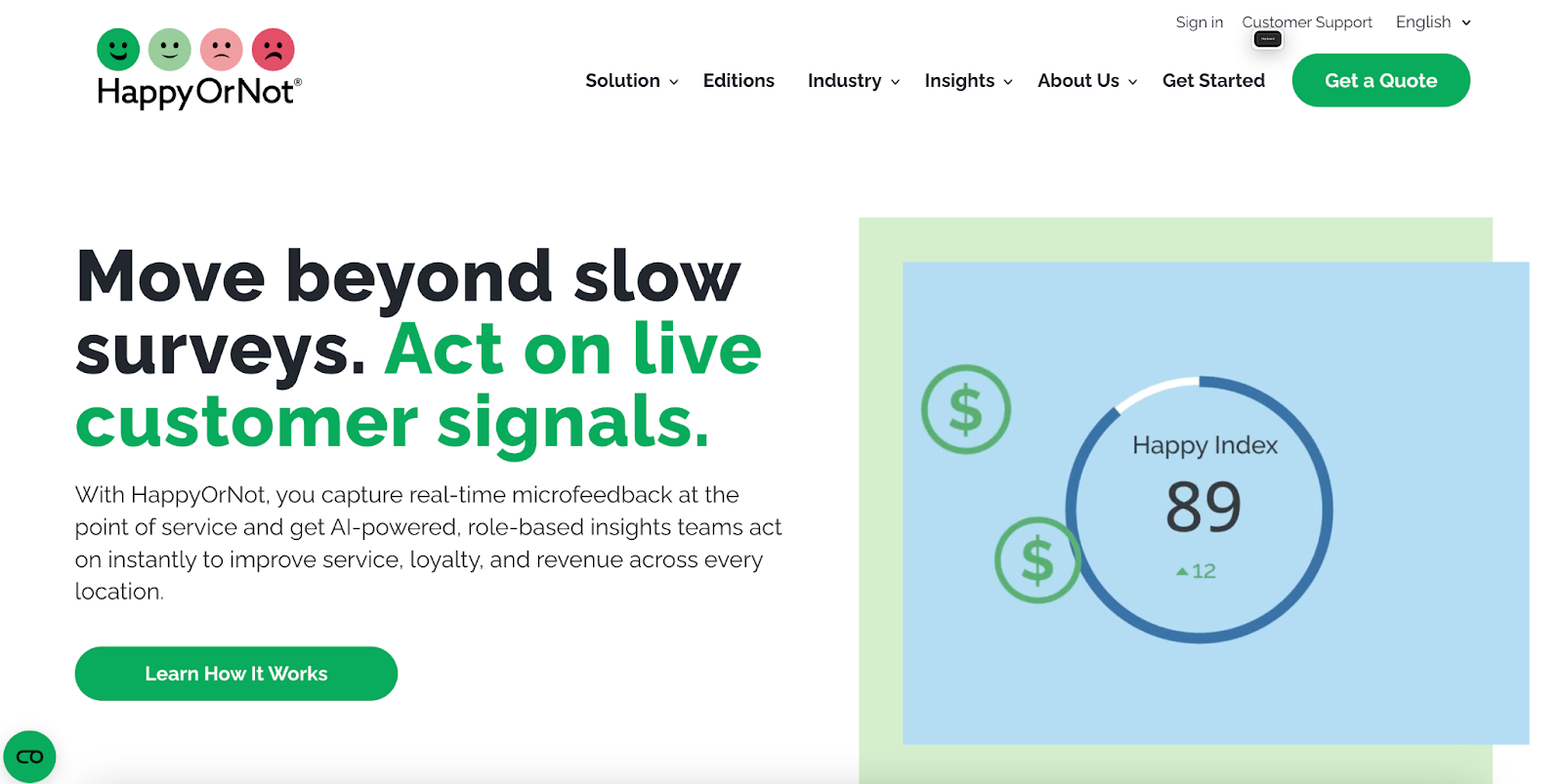
HappyOrNot is a real-time customer feedback solution that uses iconic smiley-face terminals and digital surveys to capture instant satisfaction data. The company provides businesses with immediate insights into customer experience through physical feedback kiosks and digital touchpoints, enabling data-driven operational improvements.
HappyOrNot - Key products and features
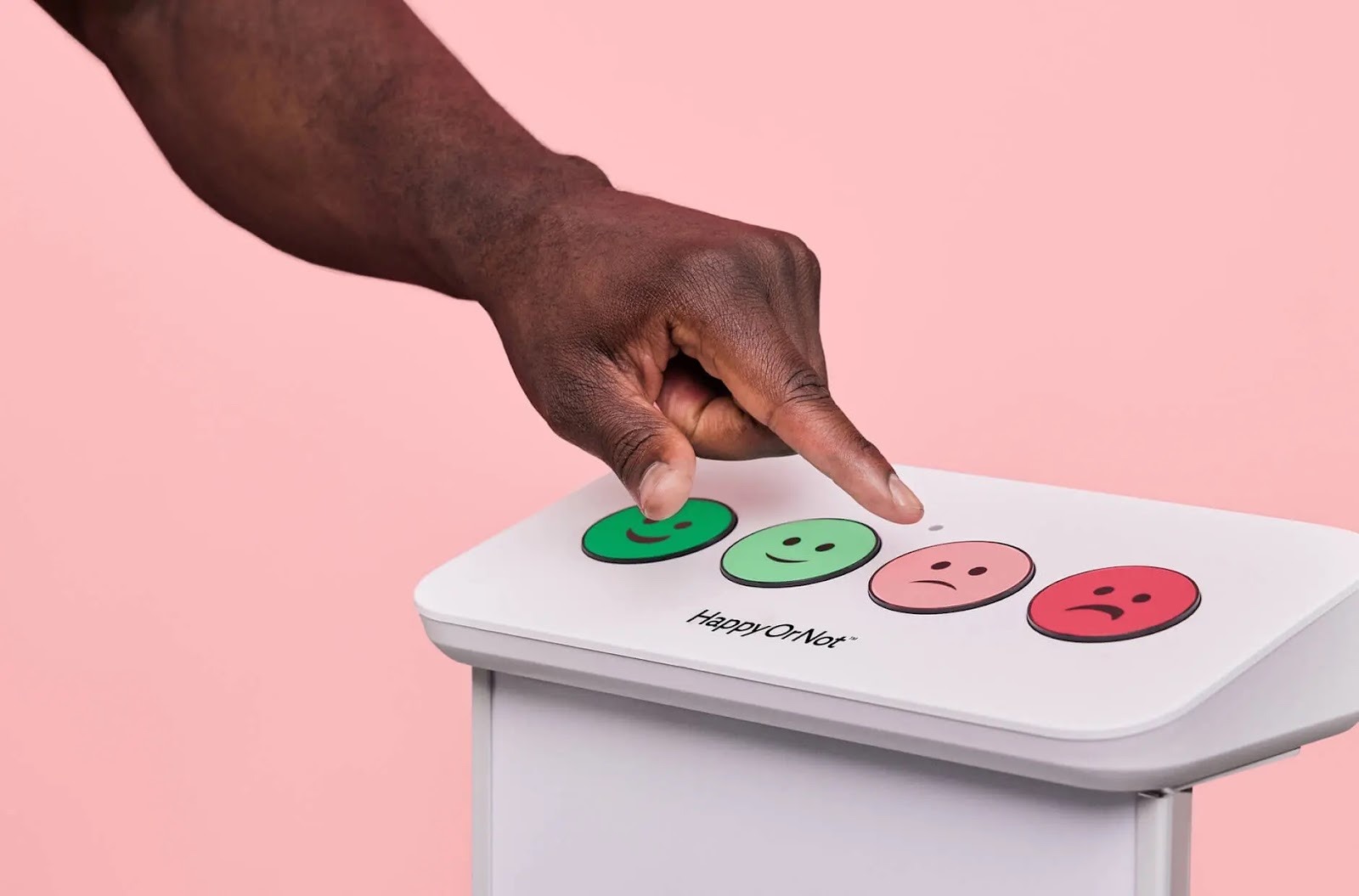
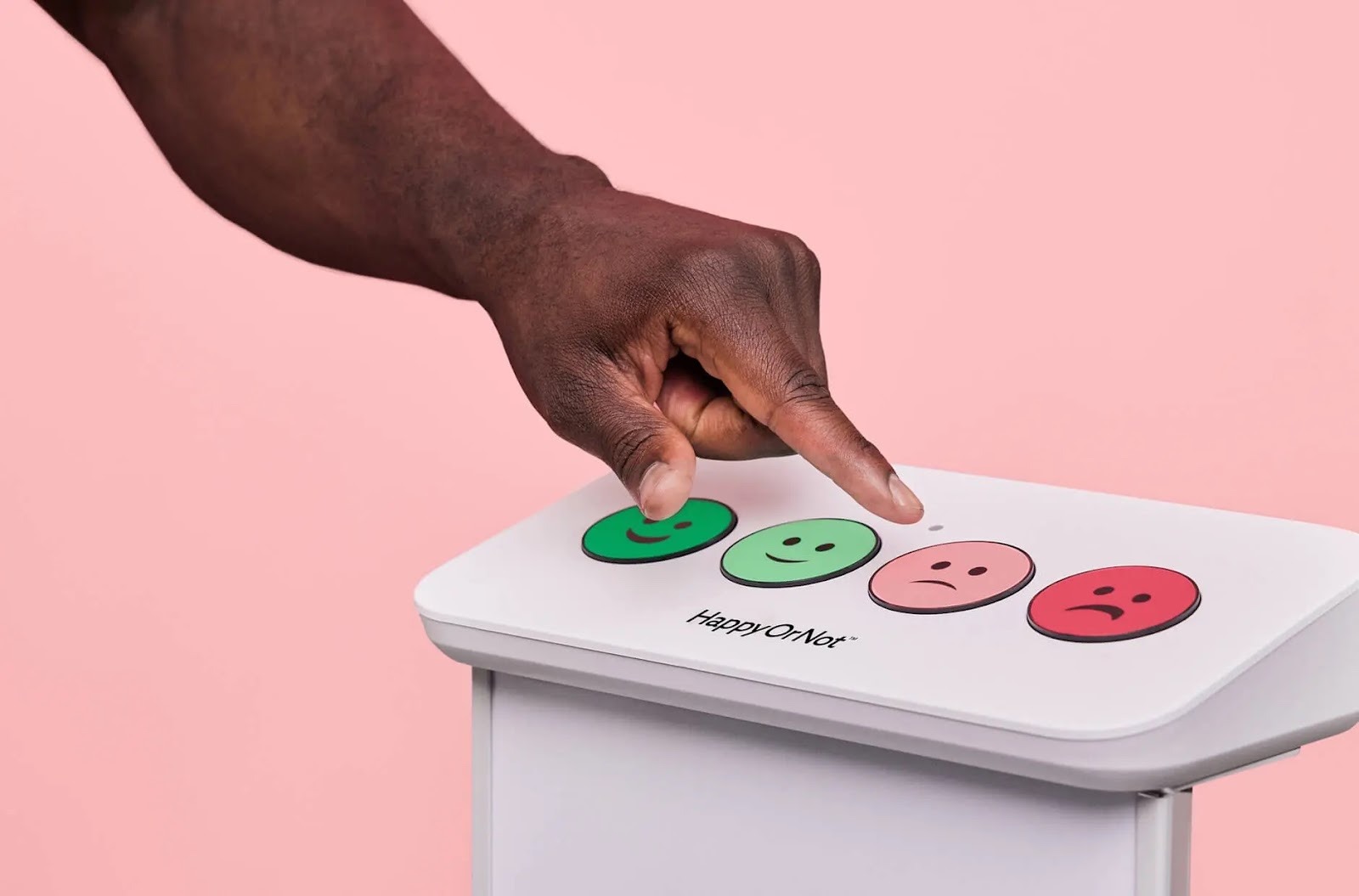
Smiley Terminal™: A wireless, physical feedback kiosk with four smiley buttons for instant one-touch feedback in high-traffic areas. Captures maximum response rates through simple, anonymous feedback collection that requires no cables or complex setup.
Smiley Touch™: A touchscreen terminal that enables multi-question surveys and follow-up questions to understand the "why" behind feedback. Connects customer responses to specific times and locations while allowing deeper insight into satisfaction drivers.
Smiley Digital™: Web-based feedback solution embeddable in emails, websites, and apps for omnichannel coverage. Provides three layers of feedback, including smiley ratings, follow-up options, and open-text responses across digital touchpoints.
HappyOrNot Analytics: Cloud-based platform with AI-powered analysis that automatically categorizes open-ended feedback by sentiment and topic. Translates raw feedback data into actionable insights with real-time dashboards and trend identification.
API integrations: Open API standard supporting connections to business intelligence tools like Power BI, Tableau, and Salesforce. Enables seamless data flow between feedback systems and existing analytics platforms for comprehensive reporting.
AI-informed demographics: Automatic capture and analysis of customer demographic data merged with feedback responses. Provides a deeper understanding of satisfaction patterns across different customer segments without manual data collection.
HappyOrNot - Key use cases
Retail store feedback: Capturing high-volume customer satisfaction data at checkout points, service desks, and store exits to identify operational pain points. Enables retailers to benchmark performance across locations and make data-driven improvements to the shopping experience.
Healthcare patient satisfaction: Measuring patient experience at clinics, hospitals, and care facilities to meet quality standards and improve service delivery. Helps healthcare organizations track satisfaction trends and address issues in real-time.
Employee experience monitoring: Collecting continuous workplace feedback to track colleague satisfaction and engagement levels. Enables organizations to identify and address employee concerns quickly, building trust through visible action on feedback.
Service industry quality control: Monitoring satisfaction in food services, facilities management, and cleaning services to maintain consistent quality. Provides immediate alerts when service levels drop below acceptable thresholds.
Multi-location performance tracking: Comparing customer satisfaction across multiple branches, departments, or regions from a centralized dashboard. Helps organizations identify best practices and underperforming locations for targeted improvements.
HappyOrNot is ideal for businesses across retail, healthcare, and service industries that need high-volume, real-time customer feedback without survey fatigue. The solution particularly suits organizations with multiple physical locations that require consistent experience monitoring, businesses seeking immediate operational insights rather than periodic survey data, and companies looking to improve customer satisfaction through data-driven decision-making.
Pros of HappyOrNot
High response rates: The simple smiley-face interface and one-touch feedback mechanism generate exceptional participation rates. Users find that customers are more willing to provide feedback due to the system's quick and anonymous nature.
Actionable real-time data: Instant feedback collection and analytics enable immediate identification of issues and rapid response to problems. Organizations can track satisfaction trends as they develop and make timely operational adjustments.
Easy implementation: The plug-and-play terminals require minimal IT support and can be deployed within 5-10 business days. Users appreciate the straightforward setup process and intuitive interface that requires no training for customers.
Comprehensive analytics platform: The robust reporting capabilities and AI-powered analysis turn raw feedback into meaningful insights. Users value the ability to drill down into specific timeframes and locations to understand the drivers of satisfaction.
Cons of HappyOrNot
Limited depth of feedback: The smiley-button format may not capture nuanced customer sentiments or detailed explanations for dissatisfaction. Some users find the simple rating system insufficient for understanding complex service issues.
Cost considerations: The subscription-based price model with setup fees can be expensive for smaller businesses or those with limited budgets. Organizations with multiple locations may face significant costs when scaling the solution.
Physical space requirements: Terminal devices require dedicated floor or wall space, which may be challenging in cramped retail environments. Some locations struggle to find optimal placement for maximum visibility without disrupting customer flow.
What is FeedbackNow?
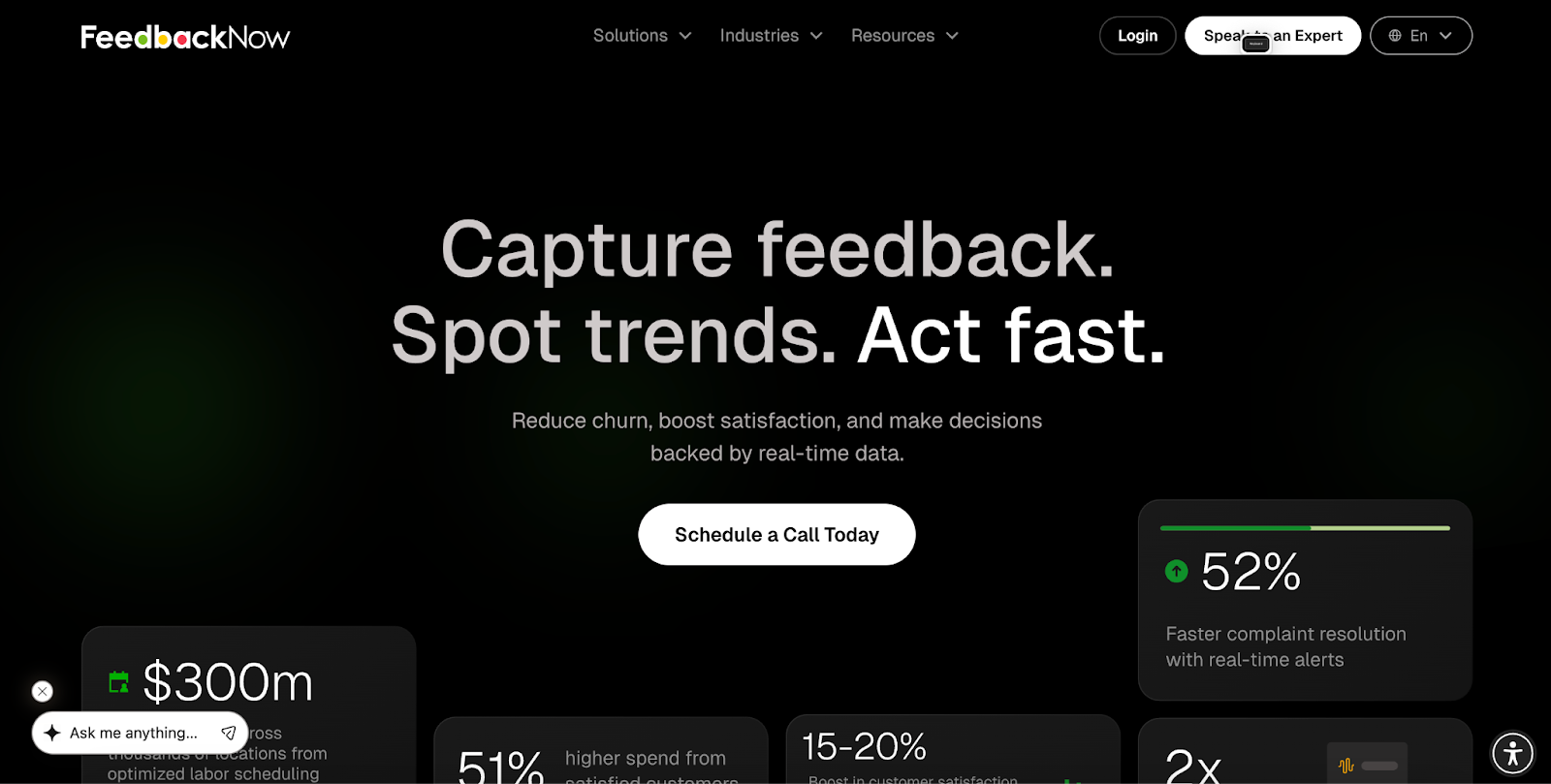
FeedbackNow is a real-time customer feedback platform that provides physical feedback devices (buttons, terminals) and analytics software to help businesses capture and act on customer sentiment instantly. The company specializes in immediate, location-based feedback collection through simple interfaces like smiley buttons and customizable feedback boxes.
FeedbackNow - Key products and features
Smiley Buttons: Physical feedback terminals with happy/sad face buttons that capture customer satisfaction in high-traffic locations. These wireless devices offer 3+ years of battery life and can be placed anywhere without WiFi or power requirements.
1-2-3 Box: Customizable feedback device with three buttons that can be configured for different questions or service requests. Features interchangeable icons and real-time updates to test new ideas, measure staff performance, or optimize layouts.
Alert notifications system: Real-time alert platform that mobilizes teams when feedback thresholds are exceeded. Includes customizable triggers, multi-channel notifications (SMS, email, mobile push), and automatic routing to appropriate staff based on shifts and locations.
In & Out Box: People counting sensors that accurately detect individual foot traffic flow for entry/exit monitoring. Provides precision tracking that outperforms traditional sensors for understanding customer movement patterns.
Noise sensors: Compact monitors that can deliver live noise data with automated alerts when levels exceed thresholds. Cross-references noise levels with customer feedback to help identify frustration triggers in facilities.
FeedbackNow - Key use cases
Facility management: Monitor and maintain cleanliness standards in restrooms, common areas, and high-traffic zones. Real-time alerts notify staff when cleaning is needed or when supplies run low.
Retail operations: Track customer satisfaction at checkout lanes, service counters, and throughout stores. Identify operational issues before they escalate and optimize staff deployment based on real-time feedback.
Healthcare patient experience: Enable patients to signal needs for cleaning, assistance, or acknowledgment without relying solely on nurses. Monitor noise levels to maintain healing environments and track HCAHPS scores.
Airport and transit hubs: Manage passenger satisfaction at security checkpoints, boarding gates, and retail areas. Track real-time sentiment to prevent overcrowding and improve passenger flow.
Employee experience: Measure satisfaction with facility services like on-site restaurants, reception areas, and workplace amenities. Enable employees to provide instant feedback on their workplace experience.
FeedbackNow pricing
FeedbackNow follows a custom pricing model that combines hardware rental/purchase with a software subscription. Pricing typically depends on:
Number and type of devices (Smiley Buttons, 1-2-3 Boxes, sensors)
Locations covered and volume of foot traffic
Software tier selected (real-time dashboards, advanced analytics, API access)
Service package, such as self-managed vs. managed deployment and support
Most enterprise deployments are annual contracts, and organizations with multiple locations can expect bundled discounts. Smaller businesses may face higher relative costs given the hardware + software bundle.
Who they're ideal for
FeedbackNow is ideal for large facilities and multi-location businesses that need to monitor customer experience across physical spaces in real-time. This includes convention centers, airports, healthcare facilities, retail chains, transit hubs, and large corporate campuses that require immediate visibility into customer satisfaction and operational issues to maintain service standards at scale.
Pros of FeedbackNow
Simple and intuitive interface: Users appreciate the straightforward smiley face buttons that make it easy for customers to provide feedback quickly without complexity. The simplicity encourages high response rates even from busy customers.
Real-time actionable data: The platform provides immediate insights that allow teams to address issues before they escalate. Users value the ability to respond to problems within minutes rather than hours or days.
Battery life and reliability: The devices offer exceptional battery life (3+ years) and wireless operation. Users find the plug-and-play setup convenient with minimal maintenance requirements.
Customizable alert system: The ability to set specific thresholds and route alerts to appropriate team members is highly valued. Users can configure notifications based on location, time, and severity levels.
Cons of FeedbackNow
Limited depth of feedback: The simple button interface doesn't capture detailed qualitative feedback or specific reasons behind customer sentiment. Users may need additional tools for comprehensive voice-of-customer insights.
Cost considerations: The combination of hardware devices and software subscriptions can be expensive for smaller businesses. Implementation across multiple locations requires significant upfront investment.
Integration limitations: Some users report challenges integrating FeedbackNow data with existing business intelligence systems. The platform may require additional work to connect with certain CRM or analytics tools.
What is LiveAgent?
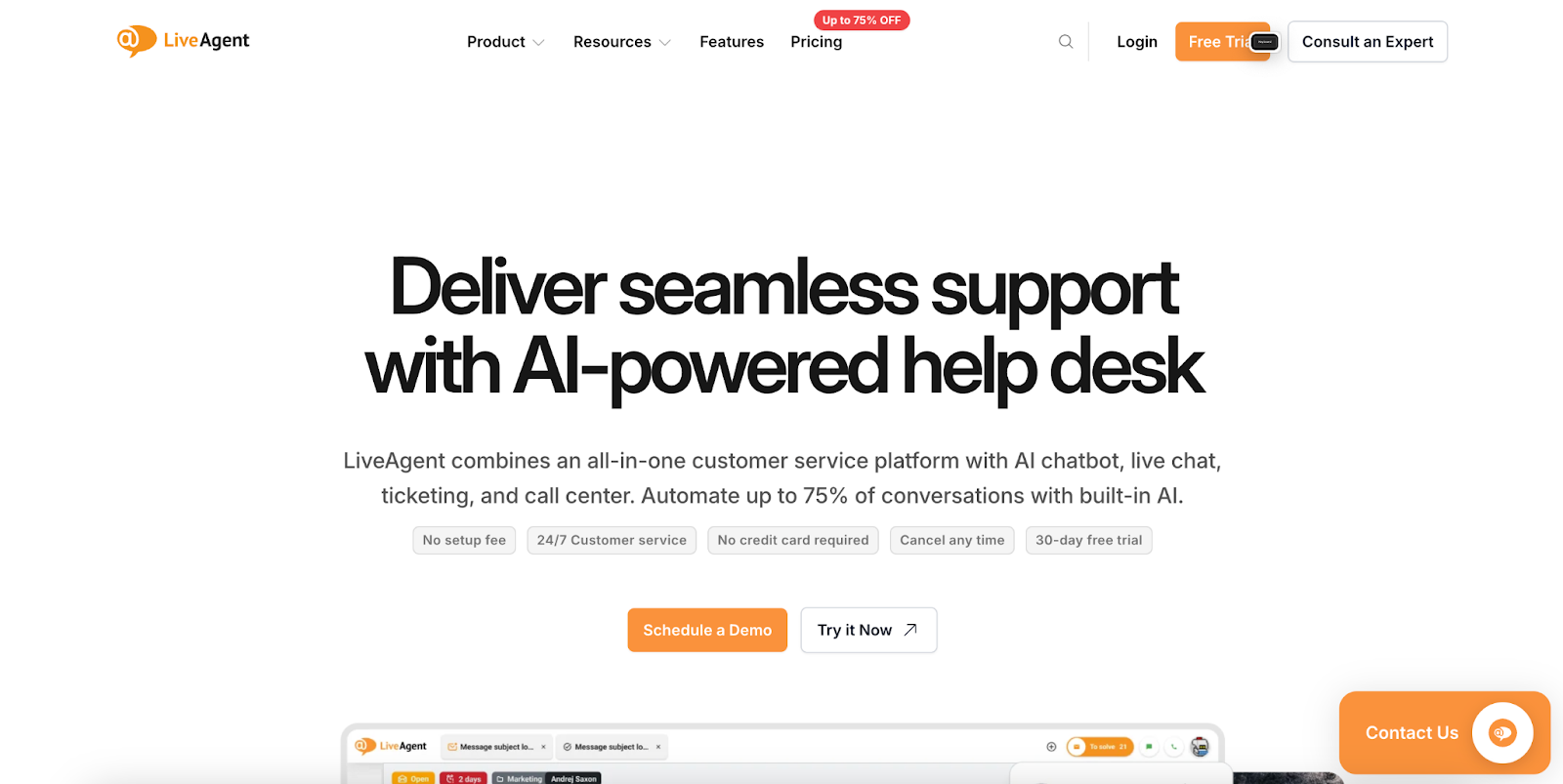
LiveAgent is a comprehensive help desk and customer support software that manages customer inquiries across multiple communication channels, including email, live chat, phone, social media, and knowledge base. The platform provides an omnichannel ticketing system that routes all customer interactions into a unified inbox for streamlined support management.
LiveAgent - Key products and features
Omnichannel ticketing system: Consolidates customer inquiries from email, chat, phone, and social media into a single unified inbox. This allows support teams to manage all customer interactions from one central dashboard without switching between platforms.
Live chat software: Features a real-time typing view that lets agents see what customers are typing before they hit send. Supports over 40 languages and allows creation of multiple chat widgets for different purposes or website sections.
Call center functionality: Includes Interactive Voice Response (IVR) trees for intelligent call routing and Automatic Call Distribution (ACD) for distributing calls based on agent priority. Supports unlimited call recording and integrates with over 60 VoIP providers.
Social media management: Enables direct responses to customers on Facebook, Instagram, Twitter, WhatsApp, and Viber from within LiveAgent. Custom automation rules help streamline social media interactions and ensure timely responses.
Knowledge base software: Provides self-service options through customizable FAQs and help articles using a WYSIWYG editor. Helps reduce ticket volume by enabling customers to find answers independently.
Automation tools: Includes pre-written responses, automated ticket routing, and custom automation rules. Features SLA management to ensure timely response and resolution of customer inquiries.
LiveAgent - Key use cases
Multi-channel customer support management: Businesses can handle customer inquiries from email, chat, phone, and social media in one unified platform. This eliminates the need to switch between different tools and ensures no customer message goes unanswered.
Response time improvement: Companies report 60% improvement in response times by using automated ticket routing and prioritization features. The system helps teams handle larger volumes of support requests more efficiently.
Customer satisfaction enhancement: Organizations use LiveAgent to increase satisfaction rates through faster responses and consistent support quality. The platform helps achieve the goals of increasing both customer satisfaction scores and sales conversions.
Support team productivity: Teams save hundreds of minutes daily by having all customer communications organized in one place. The automation features and unified inbox prevent agents from spending excessive time sorting through emails and messages.
LiveAgent pricing
Small business plan: $15/month per agent (limited offer: $9/month) - Includes unlimited ticket history, 3 email addresses, 3 contact forms, ticketing, live chat, knowledge base, and customer portal
Medium business plan: $29/month per agent (limited offer: $24/month) - Everything in Small plan plus 10 email addresses, 3 live chat buttons, department management, call center & IVR, and reports
Large business plan: $49/month per agent (limited offer: $39/month) - Everything in the Medium plan plus 40 email addresses, 10 live chat buttons, WhatsApp, Facebook, Instagram, Twitter, and Viber integration
Enterprise plan: $69/month per agent (limited offer: $59/month) - Everything in Large plan plus dedicated account manager, priority support, branding free option, and custom billing setup (minimum 10 agents)
All plans include a 30-day free trial with no credit card required and are billed annually.
Who they're ideal for
LiveAgent is ideal for businesses of all sizes that need to manage customer support across multiple channels from a single platform. It's particularly well-suited for e-commerce companies, SaaS businesses, online service providers, and any organization dealing with high volumes of customer inquiries across email, chat, phone, and social media. The solution works best for teams looking to improve response times, increase customer satisfaction, and streamline their support operations without breaking their budget.
Pros of LiveAgent
Cost-effective solution: Users appreciate the competitive pricing that offers comprehensive features for less than what they were paying with previous providers. The platform provides excellent value with unlimited agents on certain features and no setup fees.
Easy-to-use interface: The tool is praised for being intuitive and easy to implement with minimal setup time. Users report being able to get the system running smoothly with very little effort.
Improved response times: Companies report significant improvements in response efficiency, with some seeing 60% faster response times. The unified inbox and automation features help teams handle customer inquiries more quickly.
Reliable performance: Users consistently mention the platform's reliability and stability since its implementation. The software is described as a dependable solution for fast-paced online businesses.
Comprehensive feature set: The platform is valued for offering multiple communication channels, useful reporting features, and robust functionality. Users appreciate having email, social media, phone integration, and live chat all in one solution.
Cons of LiveAgent
Limited social media access on lower tiers: Small and Medium business plan users must pay extra for social media monitoring capabilities. This can increase costs for smaller businesses needing social media support features.
Restricted custom roles: The Large and Enterprise plans have limited custom role options. This may restrict flexibility for organizations needing specific permission structures for their support teams.
Mixed user satisfaction: While many users are satisfied, some express disappointment with their experience. This indicates the platform may not meet everyone's expectations or specific use case requirements.
What is Zendesk?
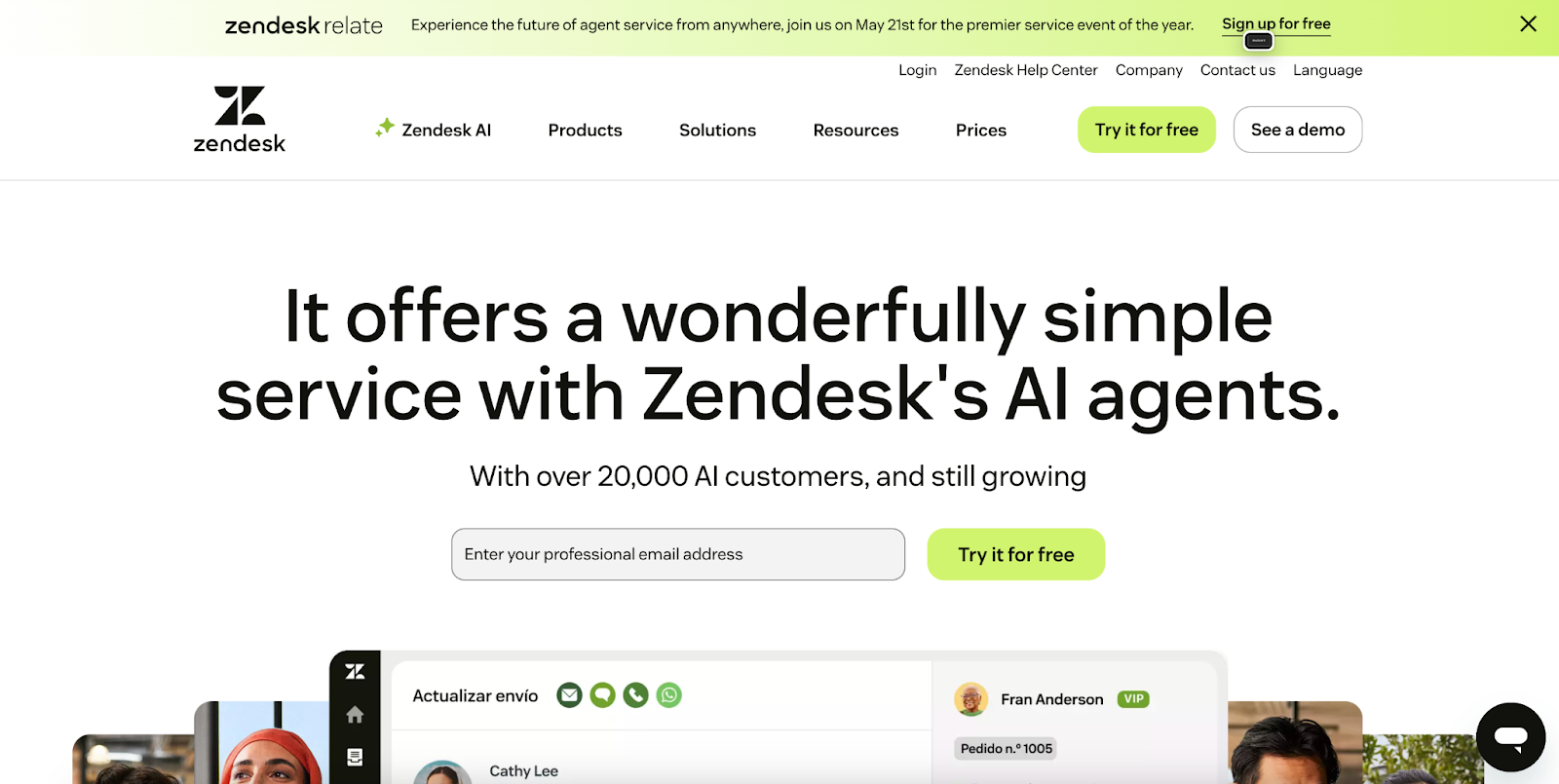
Zendesk is a comprehensive customer service platform that provides AI-powered ticketing, messaging, and multi-channel support tools. While not hardware-based like HappyOrNot, Zendesk offers broader customer experience management capabilities with real-time analytics and feedback collection across digital channels.
Zendesk - Key products and features
Reporting & analytics: Provides comprehensive dashboards and real-time insights into customer interactions, agent performance, and satisfaction metrics. Enables businesses to track customer sentiment and service quality across all touchpoints.
Community forums: Creates spaces for customers to provide feedback, share experiences, and interact with each other. Allows businesses to gather customer insights and build engagement beyond traditional support channels.
Messaging & live chat: Enables real-time customer conversations across web, mobile, and social platforms with automated routing and AI assistance. Captures immediate customer feedback during interactions while providing support.
Answer bot: AI-powered automated response system that can handle customer inquiries and collect feedback 24/7. Reduces response times while gathering data on common customer concerns and satisfaction levels.
Quality assurance: Monitors and evaluates customer interactions to ensure service quality standards are met. Helps identify areas for improvement based on customer feedback patterns and agent performance metrics.
Zendesk - Key use cases
Customer satisfaction measurement: Track and analyze customer satisfaction scores across all service channels in real-time. Collect feedback through post-interaction surveys, ratings, and sentiment analysis to understand customer experience quality.
Multi-channel feedback collection: Gather customer insights across email, chat, social media, and voice channels from a single platform. Consolidate feedback data from various touchpoints to get a complete view of customer sentiment.
Service quality monitoring: Monitor agent performance and interaction quality through built-in analytics and reporting tools. Identify trends in customer feedback to improve service delivery and training programs.
Real-time customer support: Provide immediate assistance while simultaneously collecting feedback on customer experience. Use live chat and messaging features to address concerns and measure satisfaction in the moment.
Zendesk pricing
Support Team: $19 per agent/month (billed annually)
Suite Team: $55 per agent/month (billed annually) - includes AI features
Suite Professional: $115 per agent/month (billed annually) - includes AI and advanced customizations
Suite Enterprise: $169 per agent/month (billed annually) - includes AI and change management tools
Free trial: 14 days available
Add-ons: Available for Advanced AI agents, Copilot, Quality Assurance, Workforce Management, and Advanced Data Privacy
Who they're ideal for
Zendesk is ideal for small to enterprise businesses that need comprehensive customer service capabilities beyond simple feedback collection. It's particularly suited for companies managing multi-channel customer interactions, requiring detailed analytics and reporting, and organizations looking to integrate customer feedback with broader support operations and ticket management systems.
Pros of Zendesk
Extensive reporting capabilities: Users appreciate the comprehensive reporting tools that allow tracking of any metric and building custom dashboards. The platform eliminates manual work through triggers and automations, making it simple to generate needed reports.
Multi-dashboard support: The ability to build multiple dashboards for different team members and managers is highly valued. Teams can highlight performance areas and identify improvement opportunities through detailed intelligence gathering.
Integration ecosystem: Access to thousands of pre-built apps and integrations through the Zendesk Marketplace is a major advantage. The platform's developer API allows for extensive customization and building custom solutions.
Cons of Zendesk
Pricing complexity: The pricing structure can be challenging for smaller businesses, and costs increase significantly as you move up the tiers. Scaling can become expensive depending on the selected package and required features.
Learning curve: New users face a steep learning curve due to the breadth of features available. The extensive functionality can be initially overwhelming for teams transitioning to the platform.
Customization limitations: While customization options are available, some users find them limited compared to standalone specialized solutions. Certain advanced customizations may require higher-tier plans or additional development work.
What is Zoho Survey?
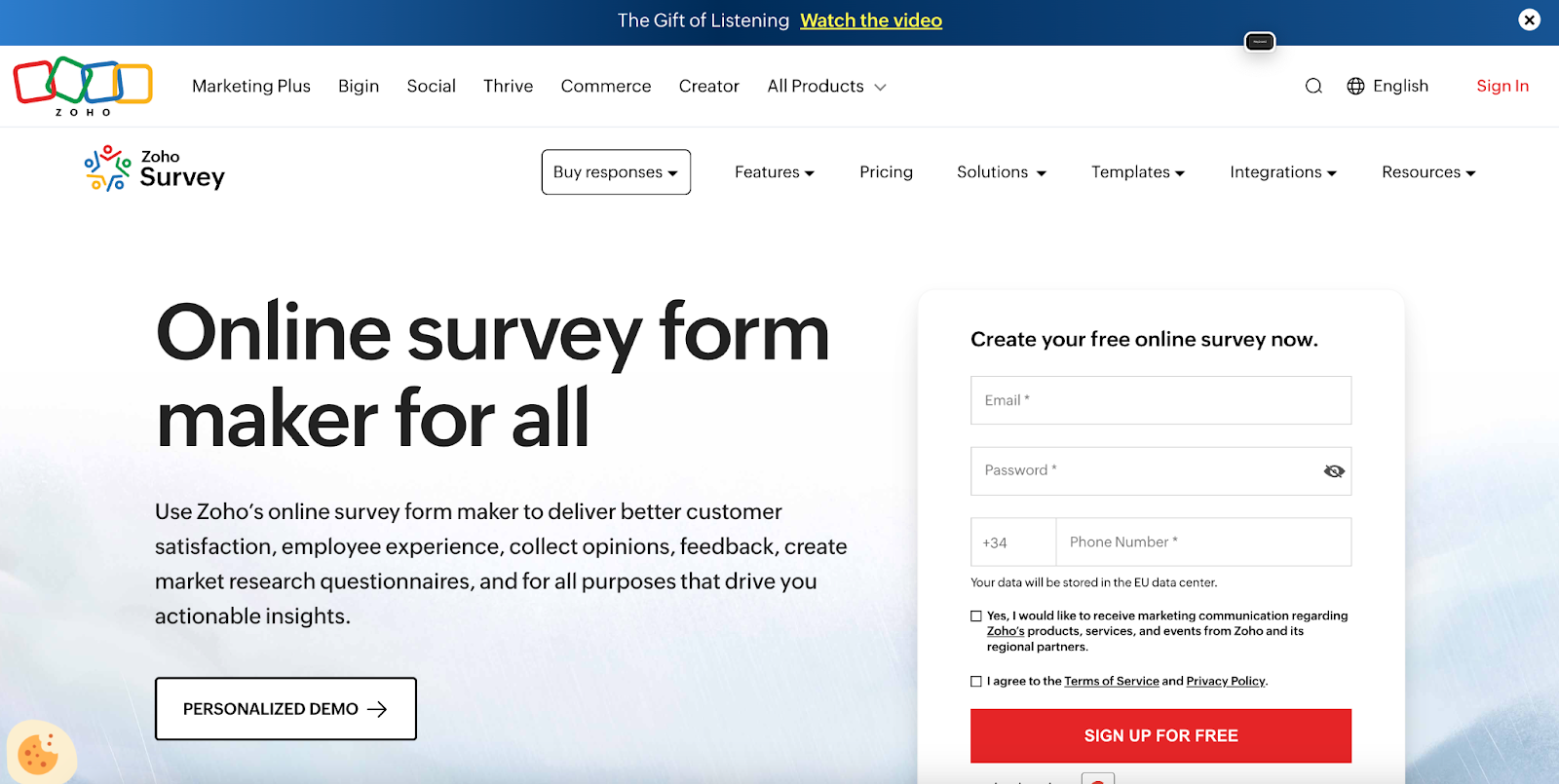
Zoho Survey is an online survey and customer feedback platform that enables businesses to create, distribute, and analyze surveys for collecting real-time customer experience insights. As a HappyOrNot alternative, it offers customizable templates, multi-channel distribution, and automated analytics without requiring physical kiosks or smiley terminals.
Zoho Survey - Key Products and Features
Customer experience surveys: Measure customer satisfaction through a large library of prebuilt and customizable templates that capture feedback across touchpoints. These surveys help test ideas and refine campaigns with NPS, CSAT, and star rating methodologies for data-driven decisions.
Real-time response collection and analytics: Access instant visualization and analytics to make quick, informed decisions. The platform provides immediate visibility into customer feedback metrics as responses flow in.
Multi-channel distribution: Share surveys through email, SMS, social media, website pop-ups, in-app surveys, QR codes, and embedded links. This maximizes reach and collects feedback when engagement peaks.
Offline survey mode: Collect responses without internet connectivity and sync once online. This ensures continuous feedback collection even in areas with limited access.
Zoho Survey - Key Use Cases
Customer satisfaction measurement: Gather feedback at key moments, such as post-purchase or after-service interactions. Organizations measure brand perception and align strategies with customer preferences using automated follow-up workflows.
Product experience and testing: Conduct beta testing, A/B testing, and usability testing to collect real user feedback before launch. This identifies issues early and optimizes products based on actual experiences.
Market research and insights: Gather insights on customer behavior, trends, and competitor analysis. Industry-specific surveys help businesses stay ahead and make smarter decisions.
Brand experience enhancement: Measure and refine customer interactions to boost loyalty. Organizations personalize experiences based on feedback to create memorable touchpoints.
Zoho Survey Pricing
Free plan: US$0 - Includes 3 active surveys, 10 questions per survey, 100 responses per survey
Basic plan: US$7.42/month billed annually - Includes additional features beyond free
Pro plan: Price not specified - Includes advanced features
Enterprise plan: Unlimited responses, 3 users with US$10/additional user/month, user management, SSO, audit logs, priority support, personalized training
Who they're ideal for
Zoho Survey is ideal for small to medium-sized businesses, marketers, HR teams, healthcare professionals, educational institutions, and non-profits seeking affordable survey solutions. It's ideal for organizations that need multilingual support, offline capabilities, and integration with existing management solutions while maintaining compliance.
Pros of Zoho Survey
Ease of use: Intuitive interface makes survey creation straightforward without technical expertise. Users quickly design surveys with drag-and-drop functionality.
Integration capabilities: Seamlessly connects with Zoho products and third-party applications like Shopify, Slack, and Zapier. This enables automated workflows and data synchronization across tools.
Template variety: Over 250 pre-built templates across categories, including customer satisfaction, marketing, HR, and healthcare, provide quick starting points.
Affordable pricing: Competitive plans, including a robust free tier, make it accessible for small businesses and startups.
Cons of Zoho Survey
Limited advanced features: Platform lacks sophisticated analytics or complex logic compared to enterprise alternatives. Advanced customization is restricted in lower tiers.
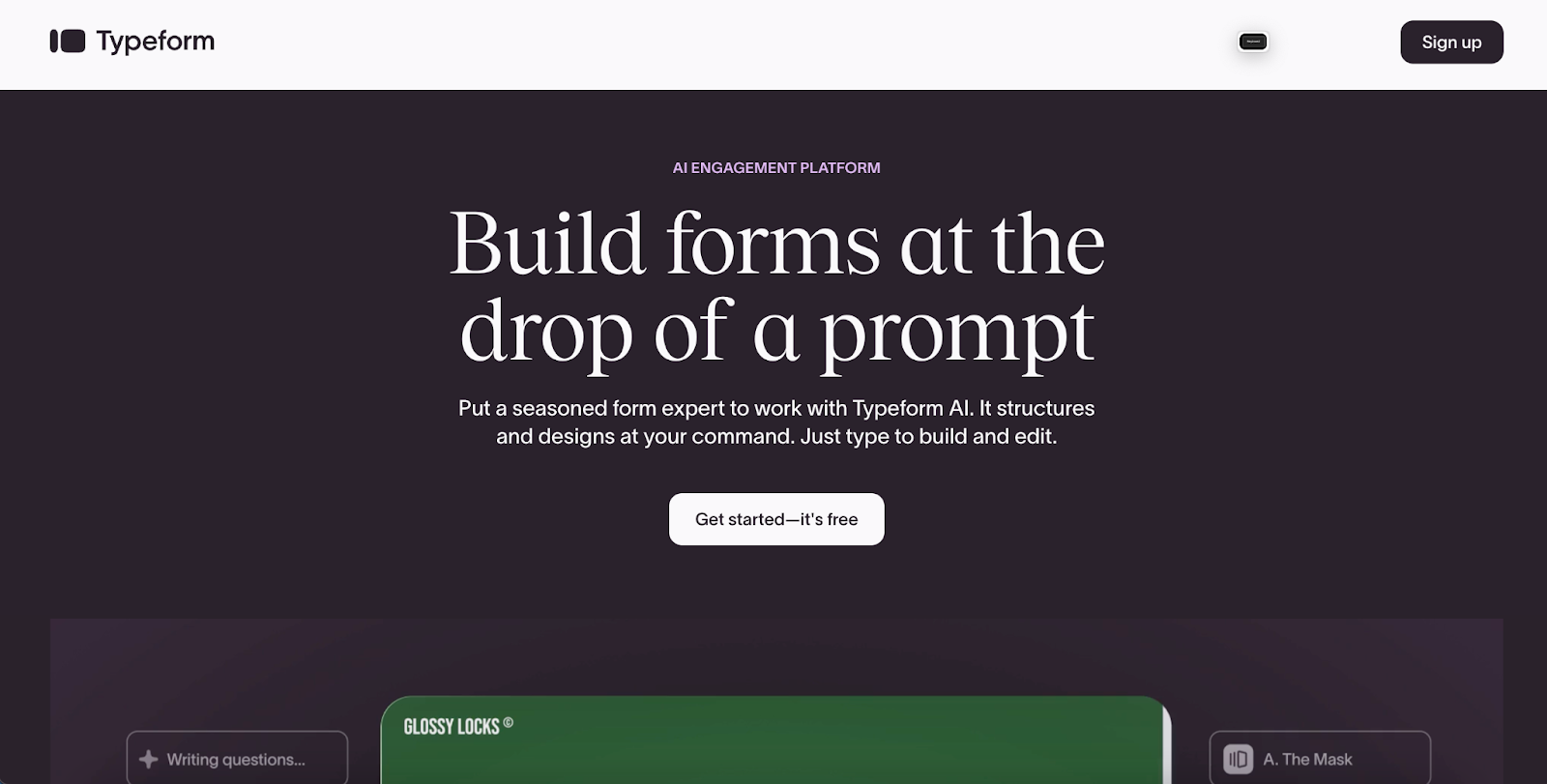
Typeform is an interactive form builder that creates engaging, conversational forms and surveys to collect customer feedback with less effort. As a HappyOrNot alternative, it gathers customer experience data through visually appealing forms that achieve a high completion.
Typeform - Key products and features
Online Form Builder with 28 question types: Create signup forms, feedback forms, and order forms using drag-and-drop with AI-powered automation. Collect various data, including personal details, star ratings, rankings, and secure payments.
Video questions and video answers: Form creators record video questions, and respondents submit video answers. This captures emotions and context that text responses cannot, delivering deeper insights into customer satisfaction.
AI-enabled analytics and reporting: Includes sentiment analysis, topic detection, and auto-generated transcripts. The system identifies emotional tone and recurring themes in responses without manual review.
Conversational forms with logic: Creates personalized journeys using a conditional workflow that adapts questions based on responses. This keeps respondents engaged by showing only relevant follow-ups.
Templates library: Pre-built templates for feedback collection, lead generation, and NPS surveys. Templates include free and premium elements for quick creation.
Typeform - Key use cases
Customer feedback collection: Organizations collect feedback about purchases or experiences through rating and ranking questions. The engaging design encourages detailed customer satisfaction responses.
Lead generation and qualification: Marketing teams create interactive quizzes to attract, qualify, and segment leads. The system automatically scores and routes leads based on responses.
Employee experience surveys: HR conducts engagement surveys and exit interviews to gauge employee sentiment. The platform spots patterns to identify training opportunities and engagement drivers.
Product recommendation quizzes: E-commerce guides customers to products through personalized quizzes. Conditional logic enables the creation of tailored experiences based on individual preferences.
Event feedback gathering: Teams collect post-event feedback to identify areas for improvement. Analytics quickly surface insights from attendee responses.
Talent plan: $149/month ($125/month annually) - 3,000 responses/month, 3 users, video features
Enterprise: Custom pricing with tailored limits and dedicated support
Free Plan: Unlimited forms, templates access, basic features
Who they're ideal for
Typeform suits marketing teams, HR departments, and customer experience professionals at mid-sized to large enterprises needing engaging, branded feedback collection. It's ideal for organizations that prioritize user experience and require higher response rates than traditional survey methodologies provide.
Pros of Typeform
User-friendly interface: Intuitive drag-and-drop builder requires no coding. Users create professional forms quickly without technical expertise.
High response rates: Conversational, one-question-at-a-time format keeps respondents engaged. This approach achieves significantly higher completion than traditional surveys.
Beautiful design and customization: Visually appealing with extensive branding options. Forms match brand identity with custom colors, fonts, and logos.
Excellent customer support: Responsive help desk team resolves issues quickly. User reviews praise quality assistance.
Powerful integrations: Connects seamlessly with Slack, HubSpot, Google Sheets, and other providers. This enables automated workflows, eliminating manual data transfer.
Cons of Typeform
Limited response quotas: Response limits on lower plans restrict growing businesses. Users often upgrade sooner than expected.
Performance issues with long forms: Forms with numerous questions or complex logic tend to experience slow loading. This impacts experience and reduces completion.
Limited offline functionality: Requires an internet connection with no robust offline collection. This limits usability in areas with poor connectivity or during field research.
Final verdict: Choosing the right customer feedback platform
The right customer feedback tool isn't the one with the most features, it's the one that closes the gap between what customers experience and what your team does about it.
HappyOrNot and FeedbackNow excel at what they were built for: capturing high-volume, in-the-moment sentiment in physical spaces with minimal friction. If your primary need is a quick pulse of satisfaction at a checkout line or airport gate, their simplicity is a genuine strength.
But for service businesses that need more — teams that need to act (and understand), not just measure — the calculus shifts. Platforms like AskNicely are built around the idea that feedback is only valuable when it reaches the right person fast enough to make a difference. That means frontline empowerment, not just executive dashboards. Tools like Zendesk and LiveAgent serve a different purpose entirely: they support operations platforms first, with feedback as one component of a broader customer service workflow.
For teams with diverse, digital-first audiences, Typeform and Zoho Survey offer accessible, flexible collection without the hardware overhead — though neither is built for the kind of real-time operational response that high-touch service environments demand.
Ultimately, the question worth asking isn't "which platform has the best ratings?" It's: when a customer has a poor experience, how quickly can your team know about it — and what happens next? The answer to that question will point you to the right tool.