Customer survey tools for HubSpot: Top integrations & features
Using Hubspot? Looking for a customer feedback platform that seamlessly integrates? You’re in the right place.
The right customer survey tool for HubSpot does more than collect feedback. It routes that feedback into the workflows your team already runs, so a low NPS score triggers a quick follow-up instead of sitting in a dashboard nobody checks.
Data silos are the real risk. A survey tool that doesn't sync cleanly with HubSpot creates a second system of record, delays response times, and turns customer insight into a reporting exercise instead of a retention lever.
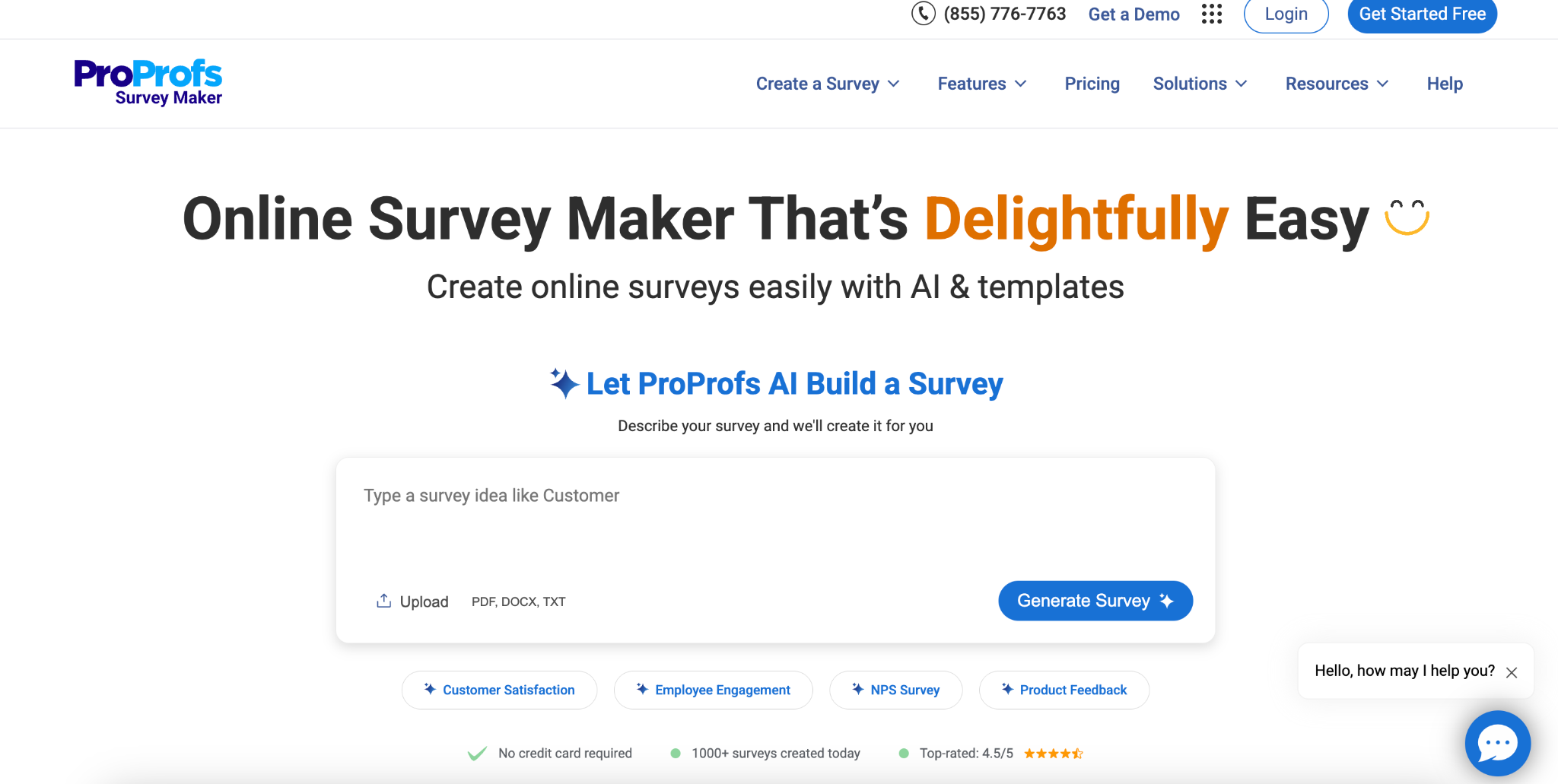
This guide compares the leading customer survey tools built to work alongsideHubSpot: AskNicely, SurveySparrow, SurveyMonkey, Formstack, Jotform, Alchemer, and Simplesat. We break down features, pricing, and real-world performance so you can choose the tool that turns feedback into action, not just data.
A few basics first.
What are customer survey tools for HubSpot?
Customer survey tools for HubSpot are integrated feedback solutions that connect directly with HubSpot CRM to capture, analyze, and act on customer insights throughout the entire customer journey.
These tools leverage HubSpot's automation capabilities and workflows to deploy targeted surveys, including NPS, CSAT, and CES surveys, at critical touchpoints. They automatically sync survey responses with customer data in your HubSpot account. Unlike standalone platforms without HubSpot integration, these tools natively or directly sync survey responses (and their context: contact, company, and deal records) into HubSpot and can trigger workflows in real time.
Why invest in customer survey tools for HubSpot?
The real competitive advantage comes from turning customer feedback into immediate, coordinated action across your entire organization. Having the right customer survey tool for HubSpot not only makes this operationally possible at scale, but also has an impact in the following ways:
Turn reactive service into proactive retention: Automatically trigger workflows based on survey responses and satisfaction scores to identify at-risk accounts before they churn, and help teams identify at-risk accounts and intervene earlier.
Create a unified view that drives strategic decisions: Integration with HubSpot CRM means survey data enriches every customer profile, providing leadership with real-time dashboards that directly connect customer experience metrics to revenue impact, enabling data-driven resource allocation and service optimization.
Scale personalized engagement without adding headcount: Automated survey deployment through Service Hub, combined with AI-powered analysis and smart notifications to Slack or help desk systems, allows teams to deliver personalized follow-up at touchpoints that matter most, potentially improving response rates and customer effort scores.
Build a culture of continuous improvement:Real-time feedback flowing through your HubSpot workflows empowers frontline teams with immediate customer insights, creating accountability loops that drive measurable improvements in customer satisfaction surveys. This feedback also provides thank-you messages and recognition that may help keep teams engaged.
How to choose customer survey tools for HubSpot
The biggest opportunity in selecting customer survey tools for HubSpot is surrounding frontline empowerment. How well does the platform empower your teams to act on customer feedback in real-time? Focus on solutions that support turning NPS, CSAT, and CES surveys into daily coaching and recognition rather than quarterly metrics.
Frontline accessibility and personal scorecards: If you want frontline empowerment, look for tools that deliver personalized feedback directly to individual team members, not just aggregate dashboards. Each employee needs their own performance view with practical takeaways from customer satisfaction surveys, enabling immediate behavioral change based on survey responses.
Automated recognition through workflows: The platform should automatically surface positive customer feedback and translate it into team recognition via Slack notifications and email surveys. This capability turns net promoter score and customer effort score data into daily motivation, turning survey data into frontline empowerment.
Dynamic survey intelligence with HubSpot integration: Beyond basic survey templates, assess whether the customer feedback tool adapts question types based on past performance and customer journey touchpoints. Smart conditional logic and follow-up questions should increase response rates while gathering contextual customer insights through seamless integration with HubSpot CRM.
Workflow automation and help desk case management: The platform must route feedback to appropriate teams, track resolution metrics, and trigger automated workflows without manual intervention. Deep HubSpot Service Hub integration should connect survey responses to customer data, enabling real-time notifications and proactive retention strategies.
AI-powered theme detection and actionable insights: Evaluate the depth of sentiment analysis, including emerging theme detection across touchpoints. The system should automatically identify patterns across help desk tickets and customer experience touchpoints, surfacing issues before they impact customer loyalty, and optimizing your entire customer success operation.
Top customer survey tools for HubSpot
Your survey tool should connect directly with CRM workflows, surface insights where your teams already work, and integrate feedback into the daily rhythm of your business. The right tool helps you capture sentiment at every touchpoint, turn it into clear actions, and build loyalty over time.
Here’s a breakdown of some of the top customer satisfaction tools for HubSpot, their features, use cases, and pricing.
👉 Compare at a glance: Scroll horizontally to view all vendors, features, pricing, ideal customers, pros, and cons.
AskNicely
SurveySparrow
SurveyMonkey
Formstack
Jotform
Alchemer
Simplesat
Products & features
Multi-channel surveys, AI analytics, 100+ integrations, employee activation
User caps; CC for trial; response limits; occasional lag
Limited enterprise features; fewer integrations
What is AskNicely?
AskNicely is a customer experience platform that uses AI-powered surveys, analytics, and automation to help service businesses collect, understand, and act on customer feedback at scale. Built for metrics like NPS, CSAT, and 5-star programs, it goes beyond measurement by connecting customer insights directly to frontline teams so they can improve service in real time.
At the core of the platform is NiceAI®, a generative AI engine that turns customer feedback into clear, actionable direction. Instead of relying on static dashboards or manual analysis, teams can ask questions in natural language, uncover what’s changing across locations, and instantly understand what to do next. Combined with AI-powered automation, AskNicely helps organizations move from feedback collection to continuous improvement.
AskNicely: Key products and features
NiceAI® - The intelligence layer behind AskNicely that transforms how teams interact with customer feedback. NiceAI® enables users to ask questions in plain language and instantly receive answers, dynamic charts, and explanations across surveys, reviews, and locations. It personalizes surveys in real time through Dynamic Surveys, prioritizes the issues that matter most, and continuously analyzes sentiment to detect emerging risks before they impact churn. It also helps teams focus on the next best action by surfacing key drivers of customer experience and guiding improvement efforts across the business.
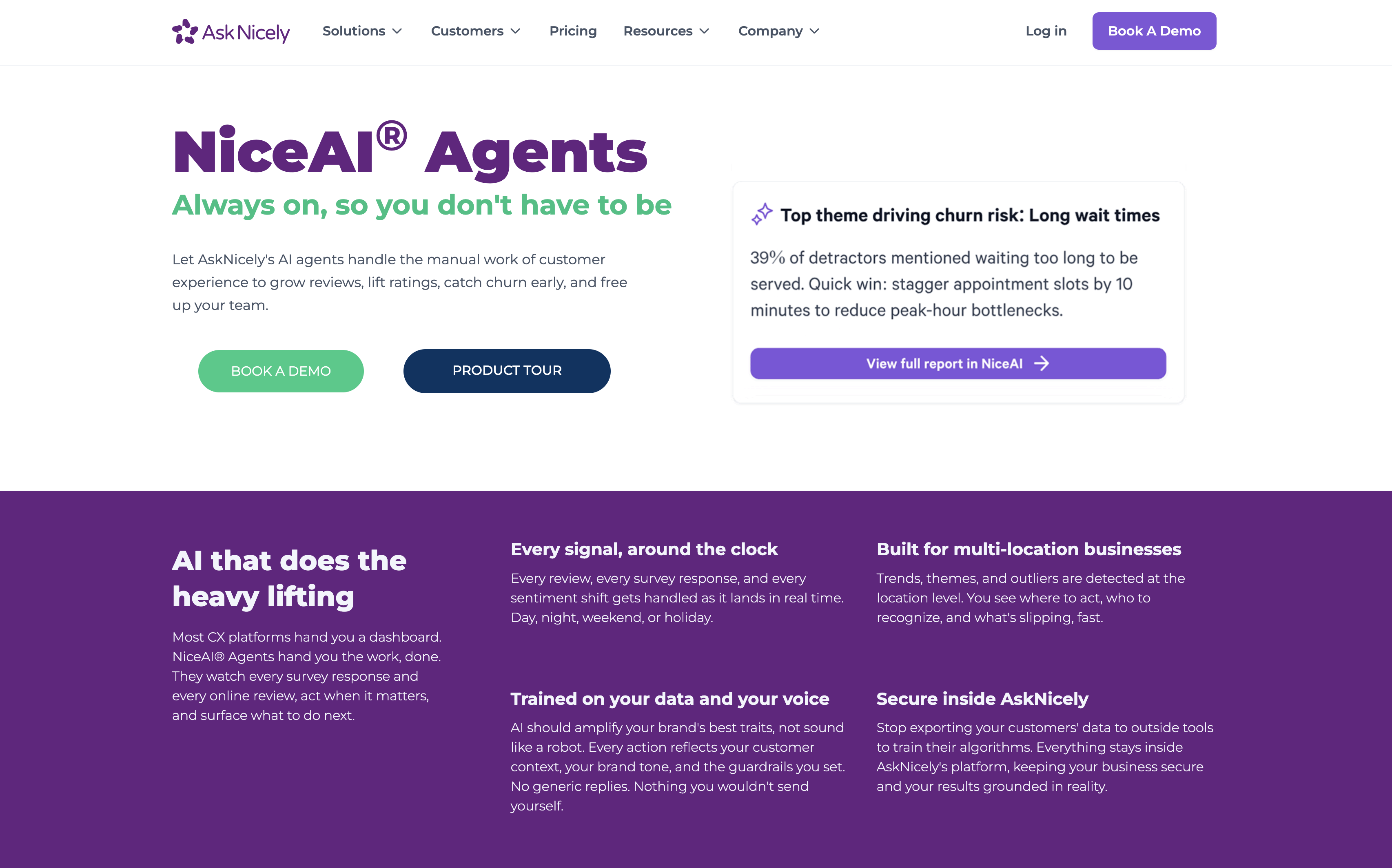
NiceAI® Agents - Always-on AI agents that actively manage the operational side of customer experience. These agents monitor every survey response and online review in real time, detect trends and anomalies, and take action where needed. The Insights Agent delivers ongoing alerts, recommendations, and summaries directly into tools like Slack or Teams. The Response Agent drafts on-brand replies to customer feedback and reviews, helping teams scale personalized communication without increasing headcount. The Review Routing Agent ensures customers are guided to the most relevant review platforms, improving visibility and reputation across channels. Together, these agents shift CX from manual work to automated execution.
AI text analysis - Uses natural language processing to automatically identify themes, sentiment, and patterns across customer feedback. It groups responses by topic and sentiment, highlights what matters most to customers, and tracks how preferences and experience drivers change over time.
Multi-channel survey collection - Collects feedback across email, SMS, QR codes, web embeds, mobile apps, and in-store kiosks. Surveys are dynamic and conversational, adapting in real time based on customer context and responses to reduce fatigue and improve response quality.
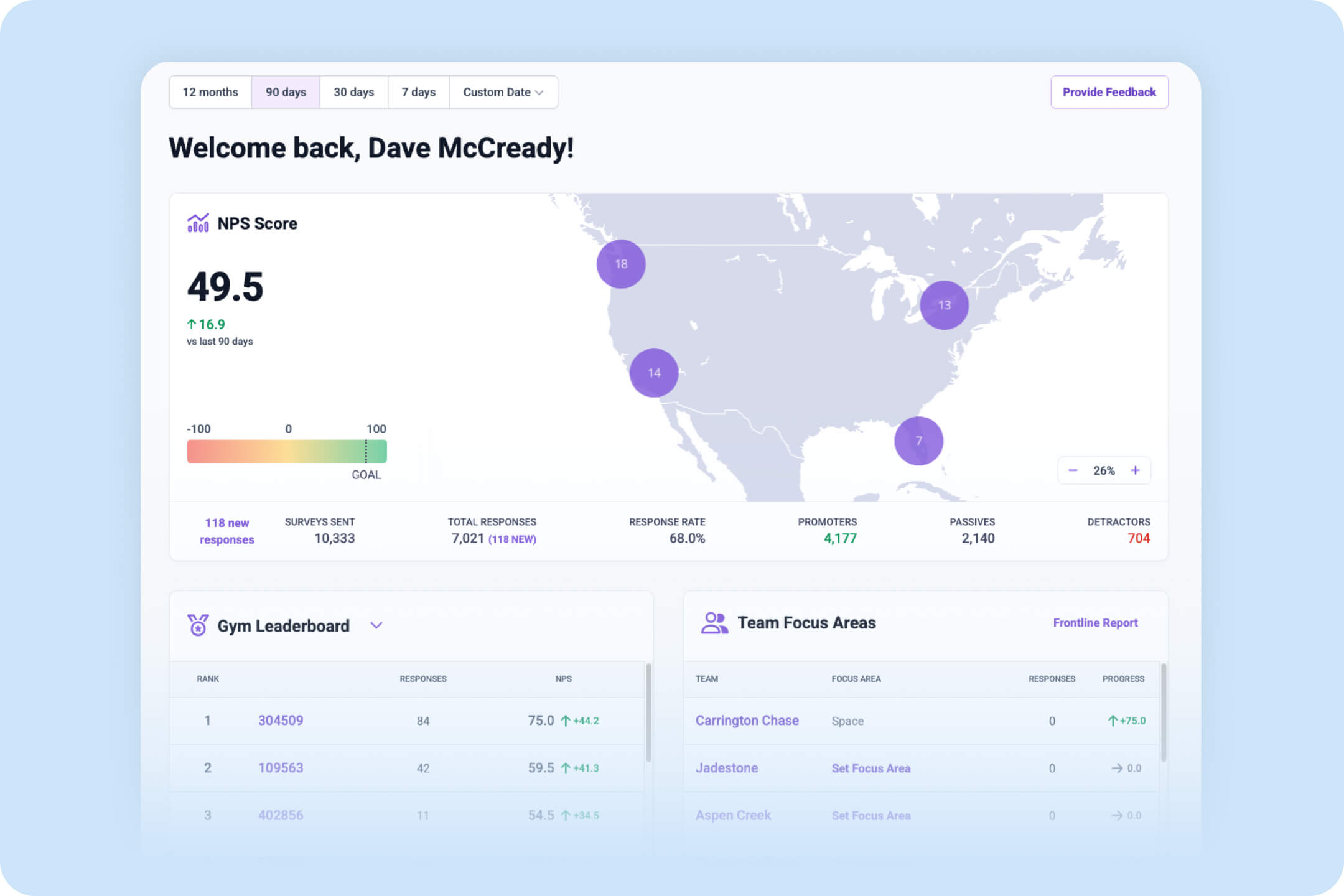
Performance analytics dashboards - Real-time dashboards track NPS, CSAT, and 5-star performance across all teams and locations. Powered by NiceAI®, users can explore data using natural language queries, instantly visualize trends, and understand what’s driving changes in performance without manual reporting.
Employee activation tools - Connects customer feedback directly to frontline teams through personalized dashboards, coaching playbooks, and recognition tools. AskNicely TV surfaces live performance data in shared spaces, helping reinforce great service and create visibility across teams.
Automated workflows - Automates the entire feedback loop by triggering surveys based on customer events, routing insights to the right teams, and managing follow-ups. Integrates with 100+ tools including Hubspot, Salesforce, Slack, Teams, and Zendesk to embed customer experience into everyday workflows.
AskNicely x Hubspot Integration
Seamlessly import smart segments from Hubspot into AskNicely, then deliver surveys and reminders at the right time for the customer. NPS data is automatically synced back into HubSpot meaning you can score, filter and trigger campaigns from survey data.
Customer sentiment automagically! It’s super simple to set AskNicely to autonomously survey a sample of your customers daily from a list or segment in HubSpot. AskNicely’s contact rules protect from survey fatigue.
NPS linked to contact records: Because AskNicely puts survey results directly into HubSpot tied to contacts, your native HubSpot lists and reports can be used to track Net Promoter Score in real time. Combine NPS data and other data points in HubSpot to create targeted lists of contacts. Build workflows in HubSpot to address unhappy customers or to nurture satisfied customers into becoming valuable repeat business or referrals.
Intelligent analysis: AskNicely pulls in custom field data from HubSpot which means any of the leader boards in AskNicely can be filtered by the data points that matter to your business. You can filter NPS results by region, agent, product… in fact by any field you have in your HubSpot contact record. From mobile and desktop dashboards for line managers to CEOs, through to leader boards on digital signage for frontline teams, AskNicely with HubSpot puts customer happiness front and center.
Customer feedback management - Automates collection and response to customer feedback across multiple touchpoints. Enables teams to quickly identify and address service issues while tracking satisfaction trends over time.
Frontline team performance - Connects customer feedback directly to individual employees and teams for coaching and recognition. Helps identify training needs and motivates staff through leaderboards and achievement tracking.
Reputation management - Automatically prompts satisfied customers to leave online reviews on Google, Yelp, and other platforms. Generates testimonials and monitors online sentiment to build a positive brand reputation.
Multi-location service consistency - Provides visibility into performance across different locations and regions. Helps standardize service quality and identify best practices to replicate across the organization.
Data-driven CX improvements - Analyzes feedback to uncover inefficiencies and prevent service emergencies. Enables teams to make informed decisions based on customer insights rather than assumptions.
AskNicely pricing
AskNicely offers tiered plans that grow with organizational needs. All plans include core survey capability and automated workflows, while higher‑tier plans add advanced analytics, real‑time dashboards, integration options, review and testimonial generation, in‑app and white‑label surveys, API access, and frontline coaching tools. Pricing scales based on survey response volume and feature set, and plans are typically quoted through AskNicely’s sales team. A product tour is available to help organizations choose the right plan.
Who they're ideal for
AskNicely is ideal for B2C service businesses with multiple locations, particularly in healthcare, home services, education, finance, and franchise systems. The platform serves organizations that depend on frontline workers to deliver customer experiences, struggling with inconsistent service quality between teams, and wanting to turn feedback into action rather than just gather insights. Companies seeking to improve retention, reputation, and earned growth through customer experience improvements will find the most value.
Pros of AskNicely
AI-powered insights and decision support: At the core of AskNicely is NiceAI®, which transforms customer feedback into real-time answers, trends, and recommendations. Instead of relying on static reports, teams can ask questions in plain language and instantly understand what’s driving customer experience across locations. This reduces analysis time and helps teams focus on actions that improve outcomes.
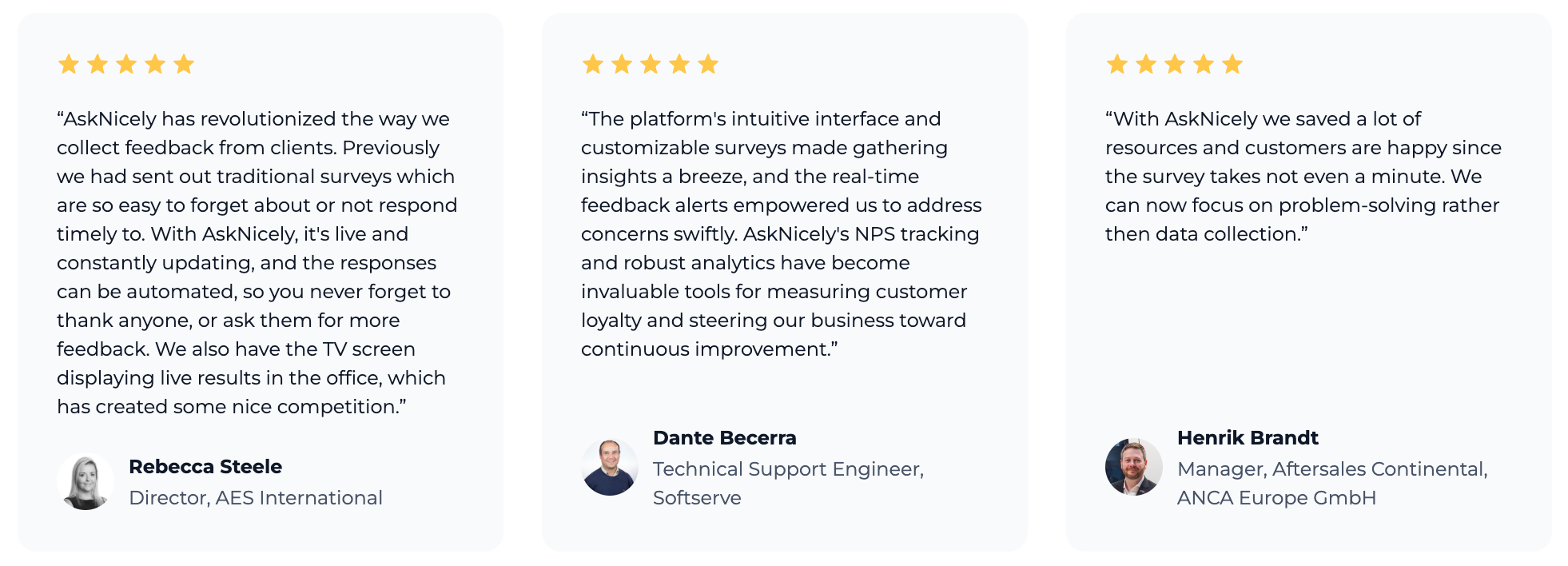
Ease of use and implementation: Intuitive interface with customizable surveys makes gathering insights straightforward. HubSpot CRM integration is smooth and requires minimal setup time.
Automation capabilities: Automatically imports customer information, sends surveys based on triggers, and provides automated response capabilities. Saves significant time compared to manual processes and ensures timely feedback collection.
Real-time feedback and alerts: Live updates and real-time alerts enable teams to address concerns swiftly. The platform allows direct replies to survey responses, creating opportunities to help customers with poor experiences immediately.
Team engagement features: TV screen display for live results creates motivation through performance visibility. Modernizes and simplifies traditional survey collection by keeping feedback live and constantly updating.
Cons of AskNicely
Demo-based evaluation: Rather than offering a free trial, AskNicely provides tailored demos and guided onboarding for teams to see the platform in action with relevant integrations before committing.
Response-based pricing: Pricing scales with the number of survey responses, making it easy for smaller teams to start affordably. Larger organizations should review projected volume to pick the right tier and avoid unexpected costs.
What is SurveySparrow?
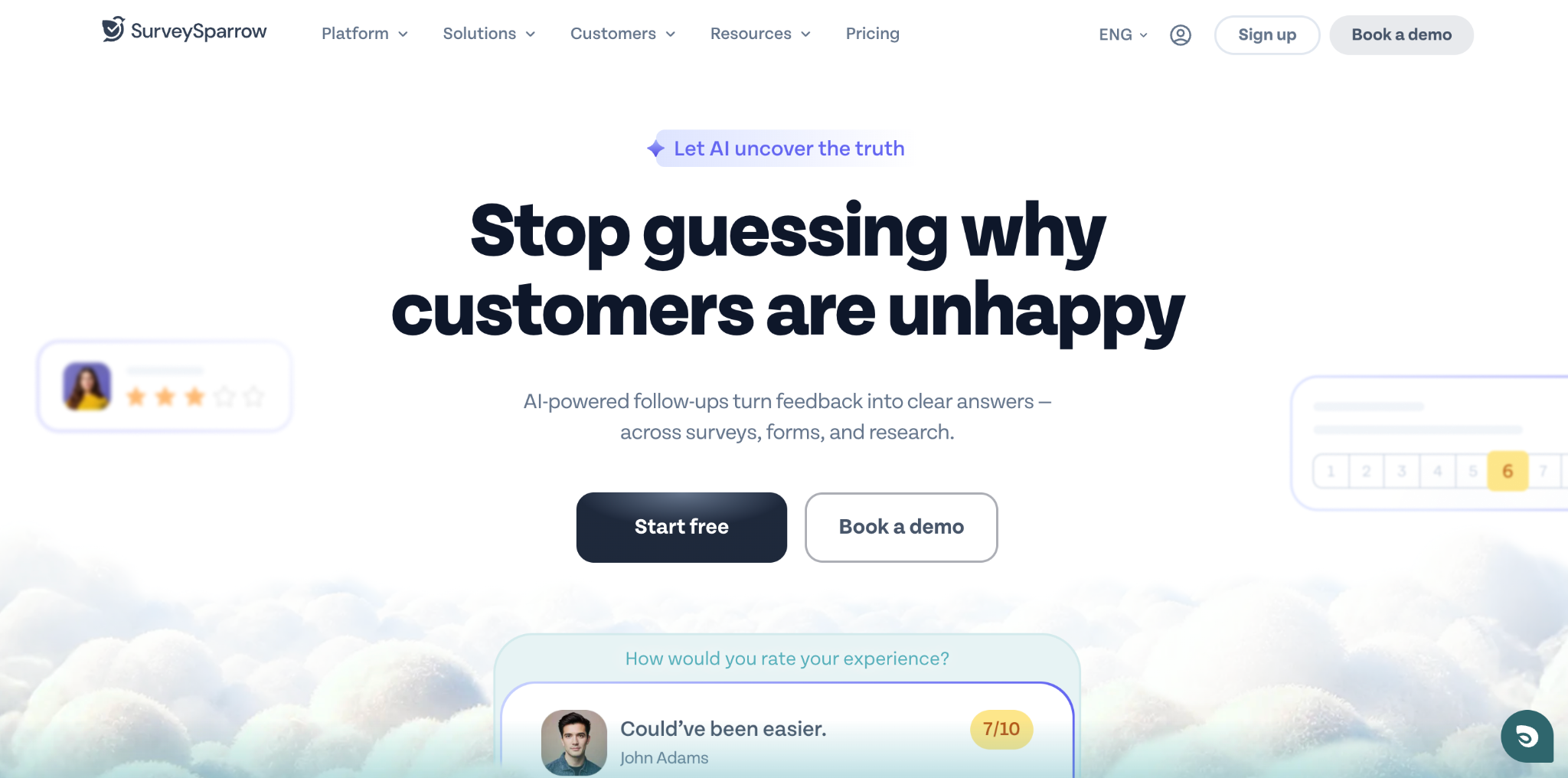
SurveySparrow is a conversational survey platform that offers enterprise survey software, NPS tracking tools, and customer feedback solutions. The platform specializes in creating chat-like surveys and conversational forms that integrate with HubSpot, claiming to achieve up to 40% higher response rates than traditional survey methods.
SurveySparrow - Key products and features
Conversational forms and chat surveys: Creates engaging, chat-like survey experiences that feel more like conversations than traditional questionnaires with mobile-first surveys designed to increase response rates through an intuitive interface.
NPS® software: Comprehensive bet promoter score platform that automates customer loyalty tracking, segments respondents into promoters/passives/detractors, and includes sentiment analysis with word cloud visualization, enabling automated follow-up emails and periodic feedback collection.
Enterprise survey software: Offers advanced functionality including custom domain hosting, CSS customization, SPSS data export, sub-accounts management, and single sign-on (SSO) capabilities with dedicated customer success manager support and centralized billing for teams.
Smart logic and branching: Implements conditional logic, skip logic, and display logic to show only relevant follow-up questions to respondents, creating personalized survey paths based on previous answers to improve completion rates.
Multi-channel distribution: Enables survey sharing via email, SMS, QR codes, web links, and website widgets, supporting embedding surveys directly into applications and including offline survey capabilities for internet-free data collection.
SurveySparrow - Key use cases
Customer experience management: Collect customer feedback at multiple touchpoints, track satisfaction scores, and manage responses through ticket assignment and status tracking with tools for closing feedback loops and driving customer loyalty improvements.
Employee experience and 360 assessments: Conduct omnidirectional employee assessments, measure employee satisfaction, and gather internal feedback, supporting periodic pulse surveys and team performance evaluations.
Market research and data analysis: Perform in-depth statistical analysis with SPSS export capabilities, cross-tabulation features, and advanced filtering, including scheduled reporting and automated data collection for research projects.
Automated recurring surveys: Set up periodic feedback collection with automated scheduling, reminder emails, and throttling features ideal for ongoing customer satisfaction monitoring and longitudinal studies.
Website visitor feedback: Deploy chatbots and embedded widgets to collect real-time feedback from website visitors, capturing insights at key interaction points without disrupting the user experience.
SurveySparrow pricing
14-day free trial: Available with no credit card required for all features
Enterprise plans: Include 4-hour support SLA, unlimited questions, 100K emails, and dedicated customer success manager
Specific pricing tiers and costs are not publicly disclosed in the provided materials
Who they're ideal for
SurveySparrow is ideal for medium to large enterprises seeking comprehensive feedback management across customer and employee experiences, particularly organizations requiring advanced customization, multi-user collaboration, enterprise-grade security features, and integration with existing business systems like HubSpot, Salesforce, and Slack.
Pros of SurveySparrow
User-friendly interface: Offers an intuitive, easy-to-use interface with a chat-like survey experience that makes survey creation swift and straightforward, providing a fresh take on traditional feedback collection.
Excellent customer support: Users report high satisfaction with the responsive customer service team and availability of dedicated customer success managers readily available to help with implementation and ongoing needs.
Strong reporting capabilities: Resolves previous challenges with reporting and provides powerful analytics modules with advanced filtering options, delivering comprehensive reporting features that provide key learnings.
Effective audience management: The recurring survey functionality and audience segmentation tools receive positive feedback for streamlining periodic feedback collection, helping organizations efficiently manage and target different respondent groups.
Cons of SurveySparrow
Advanced features at higher plans: Some enterprise-grade features like advanced reporting or white-labeling, are only available on premium tiers, meaning smaller businesses may not access them without upgrading.
Learning curve for advanced features: Complex features like conditional logic and workflow automation can be challenging to master initially. New users may require time to fully utilize all platform capabilities effectively.
Limited multi-location support: Survey reports can’t be filtered by location, and in-depth multi-location analytics, frontline visibility, and driving reviews by location are not included.
What is SurveyMonkey?
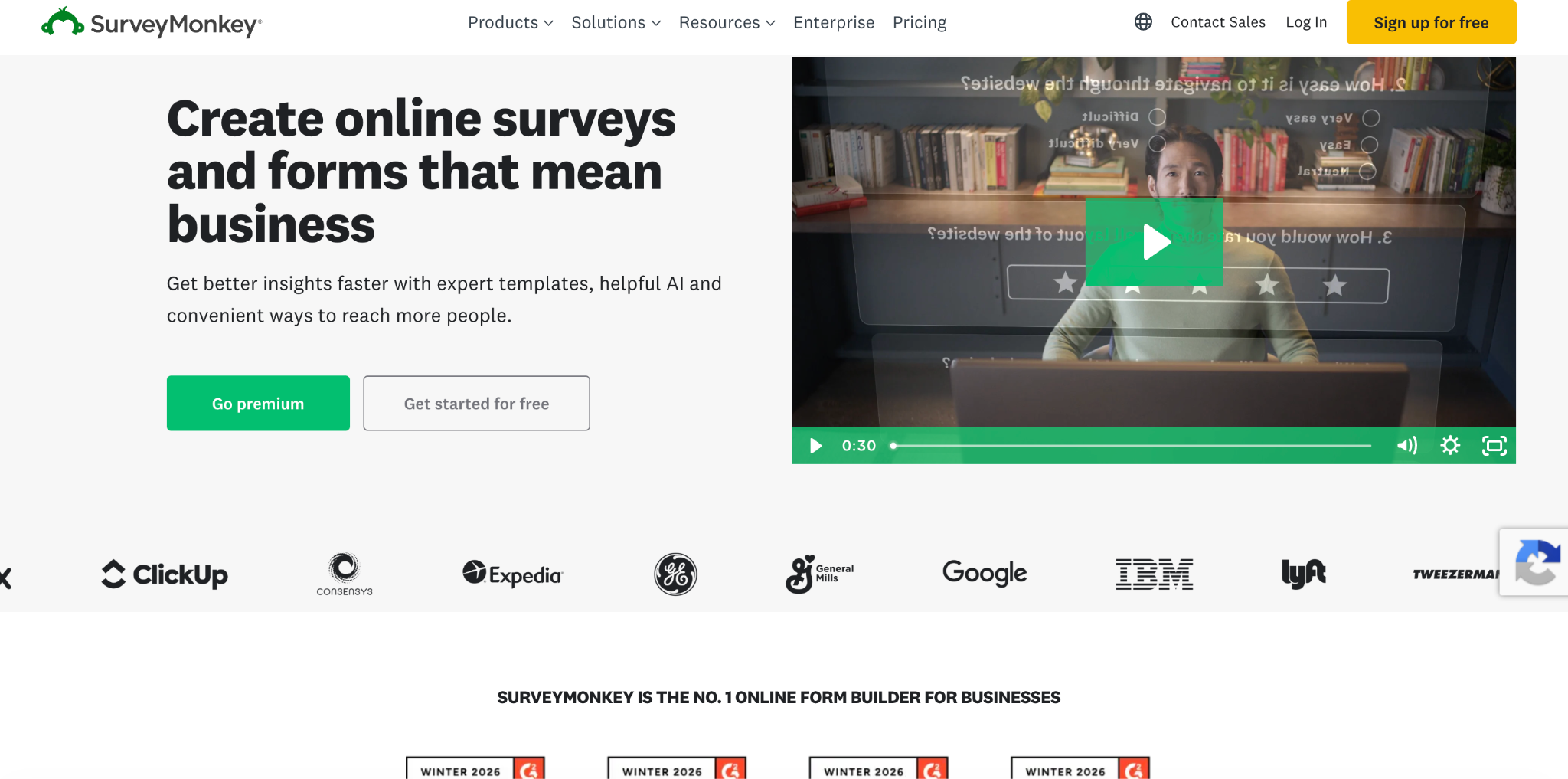
SurveyMonkey is a global leader in online survey software that provides data-driven insights through surveys, forms, and market research solutions. The platform offers tools for creating, distributing, and analyzing surveys with AI-powered features and integrations with over 200 apps, including HubSpot.
SurveyMonkey - Key products and features
SurveyMonkey Surveys: Core survey creation platform with AI-powered survey building, expert-written survey templates, and advanced analysis tools enabling users to create unlimited surveys with various question types and collect responses through multiple channels.
SurveyMonkey Forms: Online form builder for collecting information and payments, allowing users to create customized forms for registration, contact information collection, and payment processing through Stripe integration.
SurveyMonkey Genius: AI-powered feature suite that helps create better surveys and spot insights quickly, using machine learning to recommend question types, identify survey errors, and analyze open-ended responses automatically.
Integrations: Connects with 200+ popular apps including Salesforce, Office 365, Google Drive, Slack, and Mailchimp, enabling automated survey triggers, data synchronization, and workflow creation across business applications.
AI analysis suite: Advanced analysis tools including sentiment analysis, thematic analysis, and response quality detection that automatically groups open-ended responses into themes and generates charts and insights from survey data.
SurveyMonkey - Key use cases
Customer satisfaction: Measure customer satisfaction and NPS scores to understand what makes customers happy and turn them into advocates, tracking customer sentiment over time and comparing results against industry benchmarks.
Employee feedback: Collect employee engagement data, conduct 360-degree evaluations, and gather onboarding feedback with scheduled recurring surveys to uncover trends and boost engagement across the organization.
Event feedback: Gather attendee feedback before, during, and after events through registration forms and post-event surveys, tracking RSVPs and understanding what attendees want to improve future events.
Website feedback: Collect key learnings to improve user experience through embedded surveys and feedback forms, using skip logic and branching to create personalized survey experiences based on user responses.
Market research: Access a global panel of 335M+ respondents in 130+ countries for product testing and concept validation, targeting specific demographics with over 200 unique targeting options for audience research.
SurveyMonkey pricing
Basic (Free): Create surveys with 10 questions each and collect up to 25 responses per survey.
Individual Advantage: $39/month ($468 billed annually) for unlimited surveys with unlimited questions and up to 15,000 responses per year.
Team Advantage: $30/user/month (starting at 3 users, billed annually) for up to 50,000 responses per year with team collaboration features.
Team Premier: $92/user/month (starting at 3 users, billed annually) for up to 100,000 responses per year with advanced analysis features.
Enterprise: Custom pricing with HIPAA compliance, SSO, unlimited API access, and dedicated customer success manager.
Who they're ideal for
SurveyMonkey is ideal for businesses of all sizes needing customer feedback solutions, from startups using the free plan for basic surveys to enterprises requiring data collection with advanced security features, particularly marketing teams measuring customer satisfaction, HR departments conducting employee engagement surveys, product teams running concept testing, and organizations integrating feedback data with their existing CRM and marketing automation tools.
Pros of SurveyMonkey
Intuitive interface: Very user-friendly and easy to navigate, making survey creation straightforward even for users without technical expertise with AI-powered features helping users build surveys quickly with minimal effort.
Extensive template library: Access to hundreds of expert-written templates and pre-built questions saves significant time in survey creation, covering various use cases from customer satisfaction to employee engagement.
Reliable performance: Operates smoothly with minimal technical issues and downtime, providing consistent performance across different devices and browsers.
Strong integration capabilities: Seamless integration with popular business tools allows for efficient data flow and automation, working well with existing workflows and systems.
Cons of SurveyMonkey
Limited free plan: The free version restricts users to only 10 questions per survey and 25 responses, which is quite limiting for most business needs, requiring upgrades to paid plans for basic functionality, such as data exports.
Pricing can be expensive: Costs can add up quickly, especially for teams or organizations that need multiple user accounts under the per-user pricing model, making it costly for larger teams.
Learning curve for advanced features: While basic surveys are easy to create, mastering advanced features like skip logic and complex branching can be challenging, as some users initially find the more sophisticated analysis tools difficult to navigate.
Customer support limitations: Phone support is only available for premier customers, and response times for email support can be slow for lower-tier plans, with some users reporting difficulty getting timely assistance with technical issues.
Limited frontline empowerment: SurveyMonkey centers on survey creation and reporting, not day-to-day action. There's no built-in way to route individual responses to the employee or location involved, which limits its use for coaching, recognition, or real-time service recovery at the frontline.
What is Formstack?
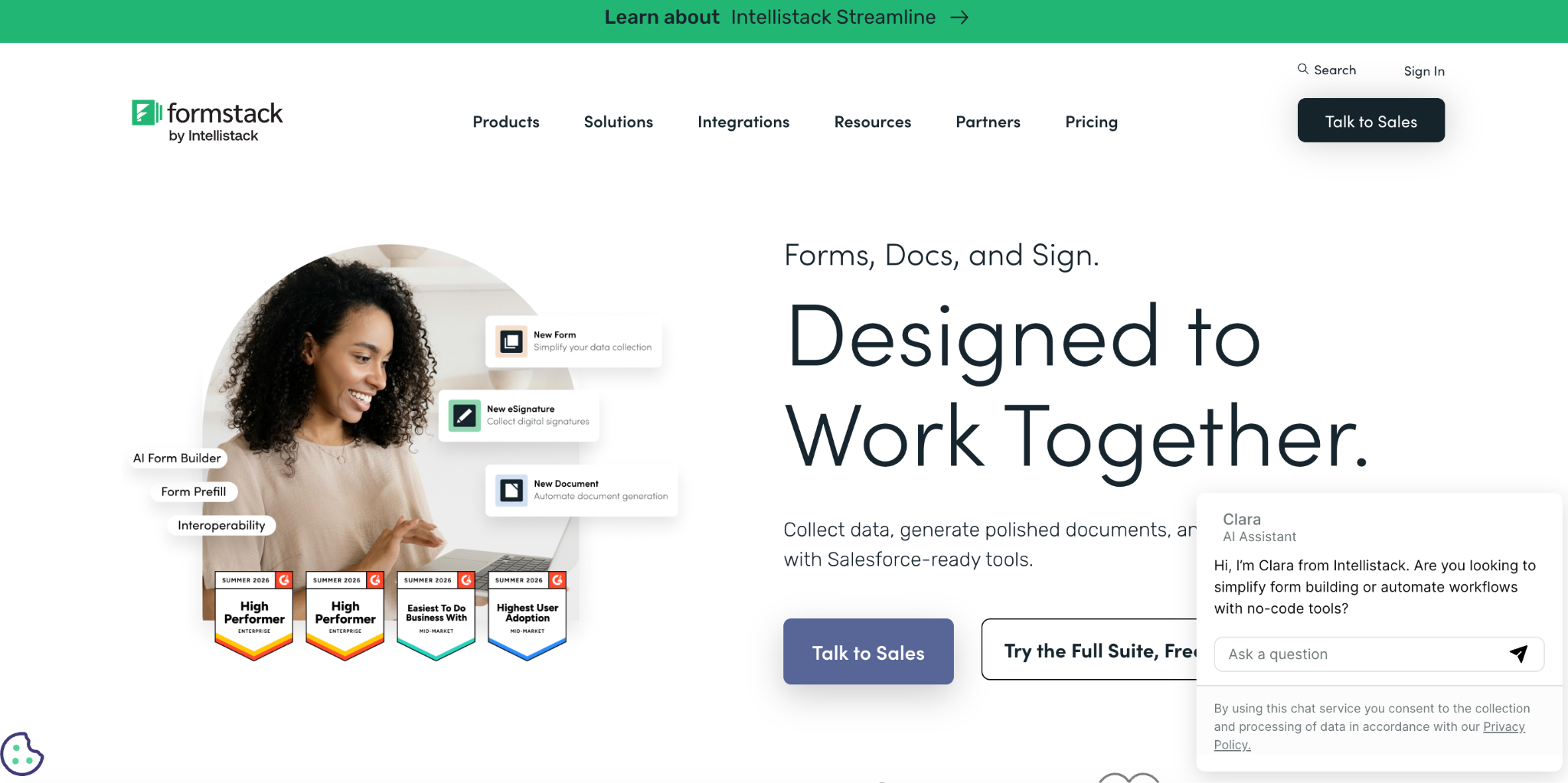
Formstack is a no-code workplace productivity suite that provides online forms, document generation, and eSignature solutions. The platform enables organizations to digitize processes, automate workflows, and collect data without requiring technical expertise, serving over 32,000 organizations worldwide, according to
Formstack - Key products and features
Forms: A drag-and-drop online form builder with AI-powered form creation, dynamic prefill functionality, and conditional logic creating custom forms for data collection with features like payment processing and automated workflows.
Documents: Automated document generation that turns collected data into professional documents, including AI-powered document builder and data routing capabilities to automatically populate and distribute documents.
Sign: eSignature solution for collecting legally-binding digital signatures via SMS or email, featuring multi-participant signing, reusable templates, and comprehensive audit trails for compliance.
Suite: All-in-one bundle combining Forms, Documents, and Sign products including advanced features like Workspace, Workflows, step logic, and group approvals for comprehensive process automation.
HubSpot integration: Connects workflows to HubSpot CRM, enabling building custom workflows and improving data accuracy between systems for seamless customer data management.
Formstack - Key use cases
Customer satisfaction surveys: Create and distribute customer feedback surveys with automated follow-up emails and advanced data routing, featuring conditional logic to personalize survey experiences based on user responses.
Claims processing: Streamline insurance and financial claims with drag-and-drop forms for claim submission, automatically generating claims reports and collecting digital signatures from customers and adjusters.
Sales automation: Automate sales proposal processes from initial form submission through document generation to signature collection with information automatically populating into CRM systems like Salesforce and HubSpot.
Medical office management: Digitize patient intake, referrals, and medical practice workflows, integrating with EHR systems to prefill data and reduce manual data entry in healthcare settings.
Financial services: Create secure workflows for financial services that align with Salesforce Financial Services Cloud, eliminating data silos and providing prefilled forms for improved client experiences.
Formstack pricing
Forms: Starting at $83/month (billed annually) or $99/month (billed monthly). Includes 1 builder user, 25 forms, and stores 1,000 submissions per form.
Suite: Starting at $250/month (billed annually) or $299/month (billed monthly). Includes 3 builder users, 100 forms, 250 document merges, and unlimited document signatures.
Documents: Starting at $83/month (billed annually) or $99/month (billed monthly). Includes 1 builder user, 50 document merges per month, and 10 document templates.
Enterprise: Custom pricing available for organization-wide implementations with a dedicated customer success manager and single sign-on features.
Add-ons: Additional users start at $20, usage expansions start at $50, and feature add-ons are available for enhanced functionality.
Who they're ideal for
Formstack is ideal for mid-market to enterprise organizations (25,000+ customers) in healthcare, education, financial services, and technology sectors seeking to digitize manual processes without coding expertise, particularly teams needing to automate data collection, document workflows, and signature processes while maintaining compliance standards like HIPAA and GDPR.
Pros of Formstack
User-friendly interface: The drag-and-drop builder and intuitive platform design make it easy for non-technical users to create forms and automate workflows with users consistently praising its ease of use compared to other form platforms.
Flexibility and customization: Offers extensive field types, settings flexibility, and customization options for branding with users appreciating the ability to create custom online forms that work seamlessly end-to-end.
Strong customer support: Excellent customer service with responsive support teams that understand partner needs, including help centers, documentation, and personalized assistance during business hours.
Salesforce integration: Native Salesforce functionality eliminates integration complexities and simplifies data gathering, working seamlessly within Salesforce without requiring certificates or external connections.
Cons of Formstack
Feature availability by plan: More advanced tools (like advanced analytics, custom domains, or workflow automation) are reserved for higher-priced plans, so smaller organizations may need to weigh which features are essential.
Initial setup for complex workflows: While drag-and-drop makes basic forms easy, configuring multi-step workflows or Salesforce integrations can take extra time or expertise.
Cost for growing teams: Adding users or expanding usage increases monthly costs, which may stretch budgets for small businesses compared to entry-level survey tools.
Trial limitations: The free trial and lower-tier plans give a good starting point, but testing the full workflow automation suite may require moving into a paid plan quickly.
What is Jotform?
Jotform is an online form builder that enables users to create surveys, questionnaires, and data collection tools without coding. The platform offers drag-and-drop functionality and integrates with CRM systems and email marketing tools to streamline automated workflows and optimize customer data management.
Jotform - Key products and features
Automated email notifications and marketing integrations: Real-time email notifications for form submissions with automated follow-up responses. Integrates with email marketing platforms like Mailchimp, Constant Contact, and ActiveCampaign to automatically sync collected customer feedback and demographic data.
Form assignments and collaborative dashboards: Assign forms to team members who can collect feedback and manage survey responses on any device, including offline with Jotform Mobile Forms. Multiple users can collaborate through Jotform Tables and Jotform Inbox to gather actionable insights.
Jotform workflows: Streamline form responses and create custom approval flows. Assign tasks, collect payments, and manage approval processes through automated workflows that enhance user experience.
Form widgets and survey logic: Hundreds of widgets including email validation, video recording, and advanced question types. Features like conditional survey logic, conversational forms, and multi-language support optimize response rates and functionality.
Feedback management and analytics: Survey data management with reporting capabilities and PDF generation. Analytics dashboards for tracking survey platform performance and managing customer insights through Jotform Tables.
Jotform - Key use cases
Customer satisfaction and market research: Create feedback surveys and evaluation forms to gather customer insights and measure CSAT scores. Deploy questionnaires with advanced survey logic to collect targeted responses and understand customer needs.
Email survey list building: Collect customer data through registration and contact forms. Automatically sync new leads to CRM databases and email marketing platforms to improve retention campaigns.
Team collaboration and data collection: Assign survey creation to employees for distributed feedback collection. Enable teams to collaborate on online survey tools and submission management across departments.
Automated communication workflows: Send automated reminder emails to survey respondents. Create notification systems for instant alerts about survey responses and customer feedback activity.
Jotform pricing
Free plan (starter)
5 forms, 100 monthly submissions, 100 MB storage, 1 user
Custom pricing: Unlimited usage, multiple teams and users, dedicated support, SSO, custom branding
Discounts available
50% discount for nonprofits and educational institutions
30-day money back guarantee
Who they're ideal for
Small to medium businesses needing robust data collection and customer survey capabilities without technical expertise. Particularly suited for nonprofits, educational institutions, healthcare providers requiring HIPAA compliance, and teams needing collaborative feedback management and automated workflows.
Pros of Jotform
Extensive survey templates library: Over 10,000 form and survey templates for various use cases. Users can quickly customize pre-built questionnaires rather than starting from scratch.
No-code survey platform with advanced features: Drag-and-drop interface with ease of use that requires no programming. Despite being no-code, it offers advanced capabilities like conditional logic, payment processing, and workflow automation.
Strong integration ecosystem: Seamless API connections with CRM systems like Salesforce and HubSpot, email marketing platforms, and payment gateways. Supports over 40 payment processors without additional transaction fees.
Mobile-friendly online survey tool: Forms work across all devices with mobile-optimized designs. Jotform Mobile Forms allows feedback collection even without internet connectivity.
Cons of Jotform
Form and submission limits on lower tiers: Free and lower-paid plans have restrictive limits on the number of survey questions and monthly respondents. Users may need to upgrade quickly as their feedback collection needs grow.
Learning curve for advanced survey logic: While basic survey creation is simple, mastering advanced features like workflows and conditional logic takes time. Some users find the extensive functionality overwhelming initially.
Storage limitations: Lower-tier plans have limited storage for file uploads and survey data. Organizations collecting many attachments may need higher-tier plans.
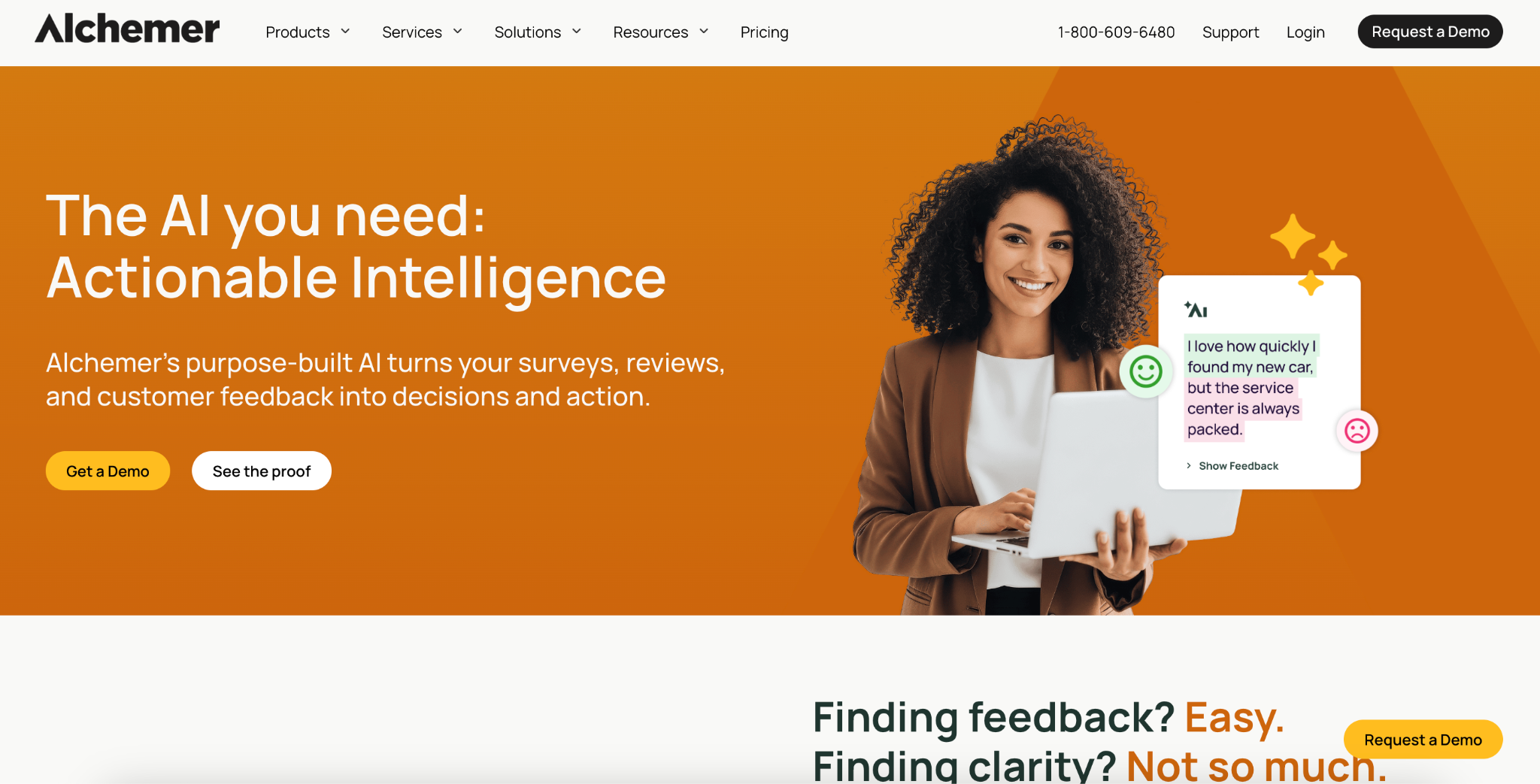
What is Alchemer?
Alchemer is a comprehensive feedback and survey software platform enabling organizations to collect, analyze, and act on customer insights through surveys, digital feedback, and AI-powered text analysis. The platform provides intuitive survey creation tools with email distribution capabilities, advanced analytics, and integrations to help businesses understand and improve customer experiences.
Alchemer - Key products and features
Alchemer Survey with email campaigns: Core survey platform offering 43 question types, unlimited surveys with built-in email campaign functionality to send surveys directly to customer contact lists. Includes customizable branding, multi-language support, and distribution methods including email, SMS, and QR codes.
Alchemer Pulse: AI-powered text analysis tool transforming open-text feedback into actionable insights by analyzing sentiment, identifying trends, and breaking down customer journeys from survey responses and other text sources.
Alchemer Digital: Real-time feedback collection system for websites and mobile apps capturing customer input at critical moments in their digital journey without disrupting user experience.
Advanced logic and automation: Sophisticated survey logic features including branching, skip logic, answer piping, and automated workflows personalizing the survey experience for each respondent. Integrates with 400+ business systems to trigger real-time actions based on feedback.
Alchemer - Key use cases
Customer satisfaction measurement: Automatically send and follow up on NPS and CSAT surveys via email when support tickets close or after customer interactions, tracking satisfaction trends and routing feedback to stakeholders for immediate action.
Market research projects: Conduct large-scale research studies with multi-language surveys, advanced question types like conjoint analysis, and panel services for finding target audiences with real-time analysis and data export to SPSS or Excel.
Customer support feedback: Collect targeted feedback after support interactions through email surveys, create new tickets based on responses, and identify training opportunities while measuring agent performance and service effectiveness.
Product development research: Gather customer feedback on new concepts and releases through email surveys, prioritize features based on user input, and validate product decisions with real-time customer insights to shorten development cycles.
Full Access: $275/month (125,000 annual responses)
Annual Plans:
Collaborator: $315/year
Professional: $1,075/year
Full Access: $1,895/year
Business platform: Custom pricing for teams larger than 3 users, includes 24/7 support, dedicated Customer Success Manager, API access, SSO, and enterprise-grade security features.
Who they're ideal for
Alchemer is ideal for marketing teams, product teams, CX and VOC teams, market research teams, and customer support organizations needing flexible survey capabilities with email distribution. The platform serves organizations of all sizes, from small teams needing basic online survey tool functionality to enterprises requiring advanced analytics, integrations, and security compliance (HIPAA, GDPR, FERPA).
Pros of Alchemer
User-friendly interface: The platform is intuitive with ease of use, allowing teams to launch surveys quickly without extensive training—users can be operational in hours rather than weeks.
Excellent customer support: Support team provides fast, knowledgeable assistance with phone support answered in under two minutes, and helpful human representatives are available without long wait times, consistently receiving high ratings.
Platform reliability and flexibility: The system is extremely reliable for daily use with flexible features that adapt to various survey needs and use cases, offering extensive customization options without sacrificing ease of use.
Quick implementation: Users can launch their first surveys smoothly, even without prior survey experience. Intuitive features and pre-built templates make survey creation accessible to beginners.
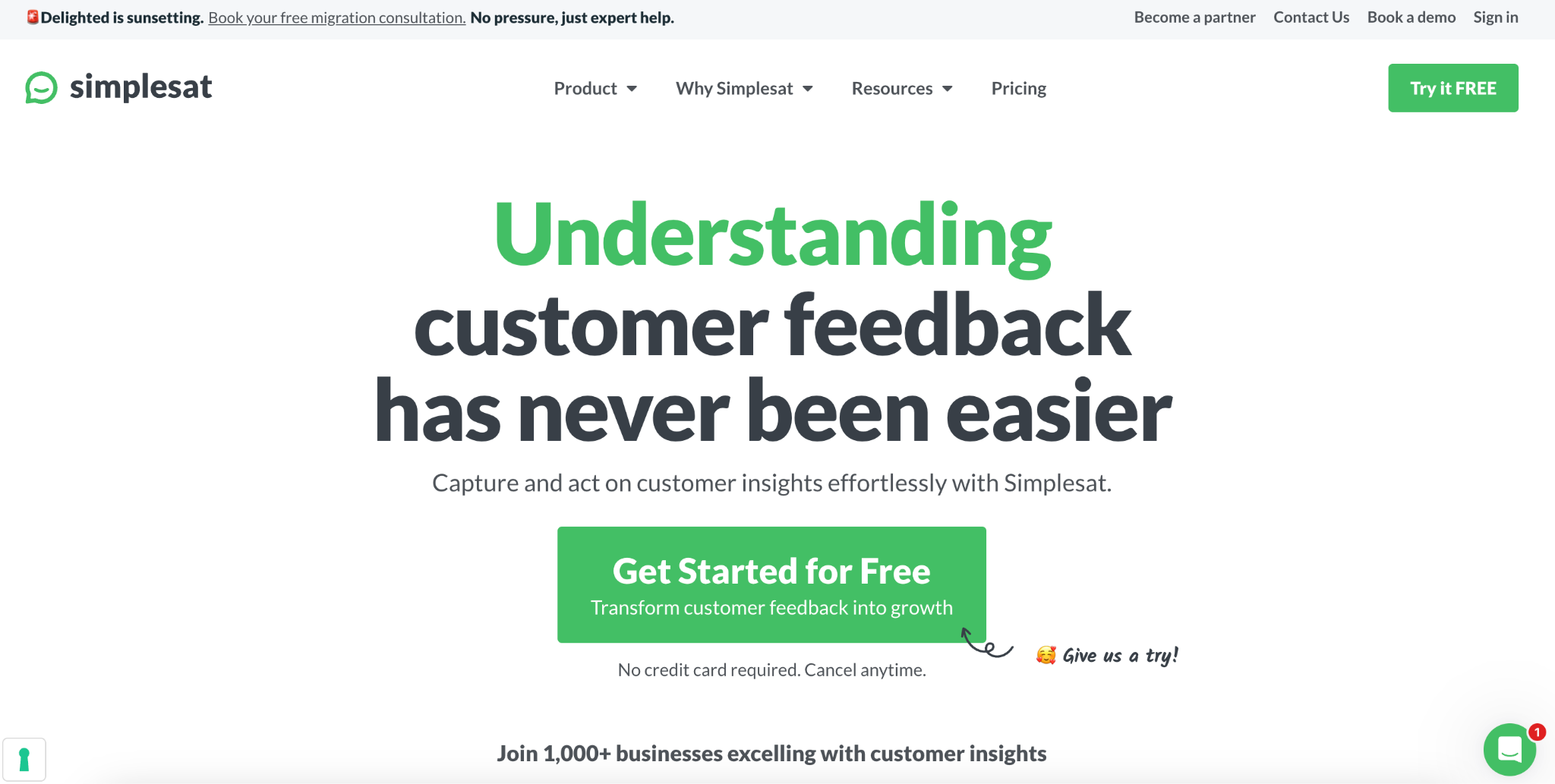
Simplesat is a customer feedback management platform that supports systematic customer insight collection through email surveys. The platform specializes in CSAT, NPS (net promoter score), and CES metrics that integrate directly with helpdesks, CRMs like Salesforce and HubSpot, and email service providers to gather actionable insights.
Simplesat - Key products and features
Email survey distribution: Schedule one-off or ongoing customer surveys with automated sending capabilities. Supports CSV uploads, contact syncing, custom email domains, and flexible scheduling to optimize response rates.
Survey customization and experience management: Create engaging feedback surveys with customizable logos, colors, rating icons, and custom CSS. Supports multiple brands and surveys in any language with mobile-responsive designs that enhance user experience.
Multi-question surveys with conditional logic: Build unlimited survey questions with card-style transitions and real-time answer saving. Features conditional survey logic that triggers follow-up questions based on sentiment, rating, or previous responses to collect feedback effectively.
Automated follow-up reminders: Send automated email reminders to non-respondents to improve response rates. Includes customized messaging for each follow-up to maximize survey responses.
Integration capabilities: Direct API integrations with Zendesk, ConnectWise, Microsoft Teams, Slack, and other major platforms. Works with Gmail and Outlook email signatures and supports dynamic placeholders for seamless feedback collection.
Real-time notifications and dashboards: Configure instant notifications for specific customer feedback types. Send alerts to email groups, Microsoft Teams, and Slack channels with customizable preferences to streamline feedback management.
Simplesat - Key use cases
Ticket CSAT for support teams: Automatically collect customer satisfaction feedback after every solved support ticket to measure agent performance. Integrates seamlessly with helpdesk systems for immediate post-interaction surveys.
Event-based email surveys: Send personalized customer surveys automatically after purchases or key customer journey touchpoints. Helps businesses understand sentiment and gather insights at crucial moments.
Quarterly NPS tracking: Automate Net Promoter Score emails to measure customer loyalty and retention over time. Particularly useful for reaching decision-makers who may not regularly interact with support channels.
Post-purchase feedback collection: Gather immediate customer feedback after checkout. Helps identify pain points in the customer experience and address concerns proactively with actionable insights.
Team performance monitoring: Track individual agent and team CSAT scores through integrated dashboards. Enables managers to identify training needs using survey data and metrics.
Simplesat is ideal for service-minded businesses including SaaS companies, e-commerce retailers, MSPs, IT services firms, and marketing agencies that need to collect customer feedback through existing helpdesk or CRM systems. The survey software is particularly suited for organizations with 10+ support agents wanting quick implementation without technical expertise.
Pros of Simplesat
Easy setup and implementation: Users can get the survey tool running in under 10 minutes with seamless workflow integration. The platform requires no coding knowledge for configuration with excellent ease of use.
Excellent customer support: Human support team provides responses within an hour. Includes free onboarding, setup guidance, and dedicated Customer Success Managers to optimize your feedback management.
Simple yet AI-powered: Delivers robust functionality without overwhelming complexity. Users appreciate the balance between comprehensive features and intuitive survey platform usability.
Strong integration ecosystem: Works seamlessly with major platforms like Zendesk, HubSpot, Salesforce, and Slack. Enables feedback collection through tools teams already use to streamline workflows.
Cons of Simplesat
Limited email design customization: Users report difficulty matching surveys to corporate branding (e.g., colors, layouts), which can make email surveys look less professional.
Basic reporting on email survey results: Dashboards provide only simple overviews; trend tracking and advanced analytics for email feedback are limited.
Fewer advanced logic options compared to bigger survey suites: Email surveys support conditional questions, but don’t match the depth of branching or customization in enterprise tools.
So, which platform should I choose?
The right customer survey tool for HubSpot turns feedback into a system, not a spreadsheet. SurveySparrow, SurveyMonkey, Formstack, Jotform, Alchemer, and Simplesat each bring strengths depending on your priority: conversational UX, market research depth, document workflows, no-code flexibility, advanced logic, or helpdesk-specific CSAT tracking.
For multi-location service businesses, the calculation changes. Frontline teams need feedback routed to them directly, not buried in a dashboard leadership checks once a quarter. AskNicely is built for that. NiceAI® surfaces what's changing across locations in plain language, NiceAI® Agents act on reviews and responses in real time, and the HubSpot integration keeps NPS data tied to contact records so workflows trigger without manual intervention.
Choose based on where your feedback needs to land: in a CRM report, or in front of the person who can act on it that day.